Block coding for young children
Block coding for young children: Scratch for Children 2
A coding playground where children who cannot read yet snap blocks together to tell their own stories.
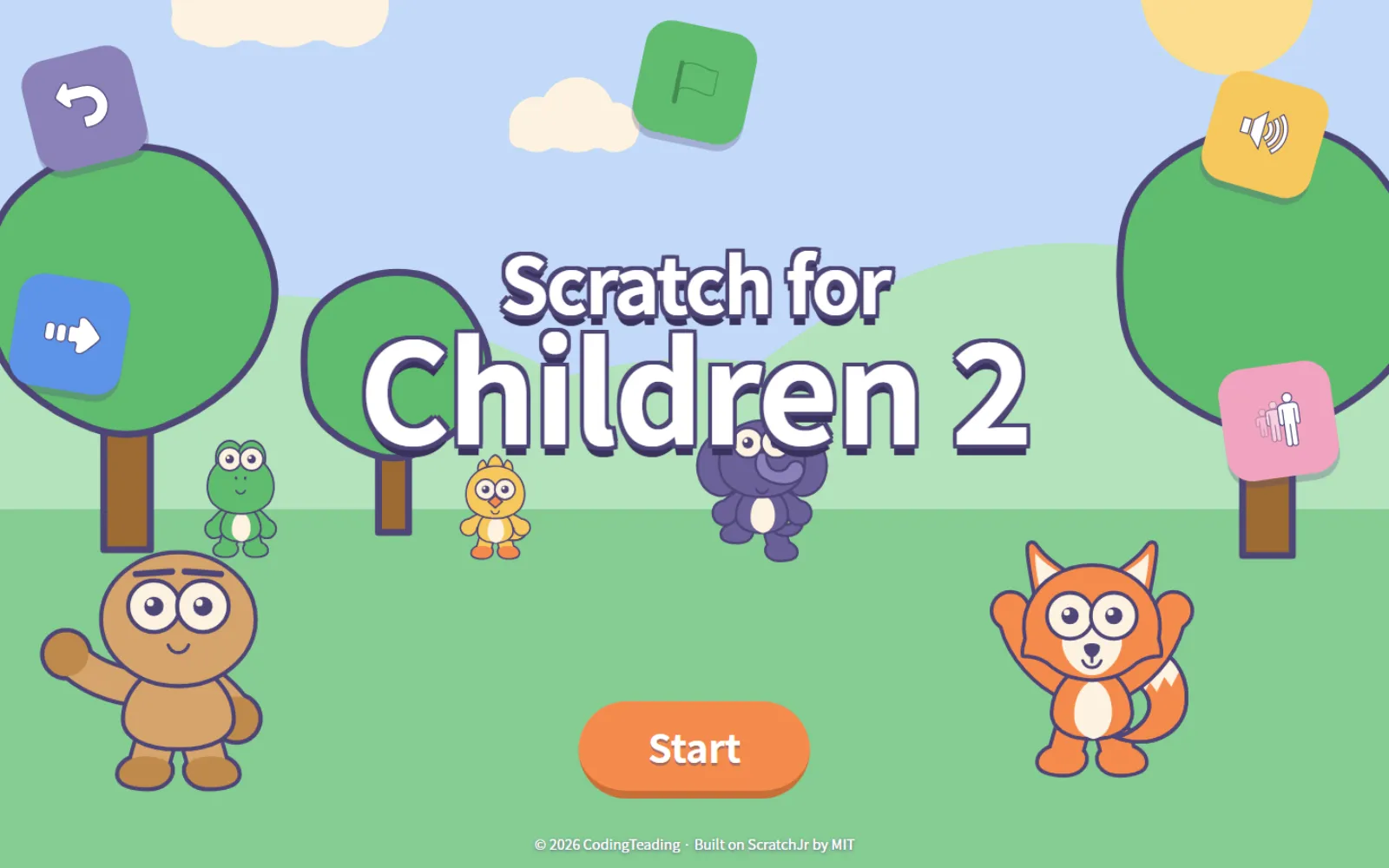
A block coding tool made with five- to seven-year-olds in mind. A child puts a character on the stage, then drags blocks together to make it walk, talk and disappear. The blocks carry pictures so that reading is never required.
Built on ScratchJr. The characters, backgrounds and screens were drawn anew, and some of the learning examples are based on BootUp's samples, used with their permission.
Nothing to get through before you start
Nothing to install
It opens straight in the browser. Add it to the home screen and it behaves like an app.
No account either
No sign-up, no login, no password. What a child makes is saved on that device.
No internet needed
Open it once and the pictures and sounds are kept on the device — it keeps working on a plane or underground.
Drawn again, made again
All 20 characters were drawn in house. Ddolbeng, Posong, Bori, Tori, Koko and Piyo share the same line weight, the same palette and the same proportions.
- 400frames
- 20 characters × 20 looks each
- 816
- Objects
- 60
- Backgrounds
- 33
- 15 music tracks + 18 sound effects
What changed
Characters actually move
A character on the stage is alive. One that walks alternates its legs; one that claps brings its hands together. Use the “stay still” block if you would rather it did not.
Pick the face you want
Press the block and that character's ten faces fan out. Smiling, crying, surprised — choose directly. The block stores the meaning “smile,” not a picture, so swapping in a different character leaves the story intact.
You can actually find things
With 816 objects, scrolling a list is hopeless. There are three ways in: category tabs, a search box for the adult sitting alongside, and “recently used” for the child who cannot read yet.
Touch and mouse at once
The touch/mouse toggle from the first generation is gone. Both always work. Poke at a touchscreen laptop, then grab the mouse, and nothing breaks.
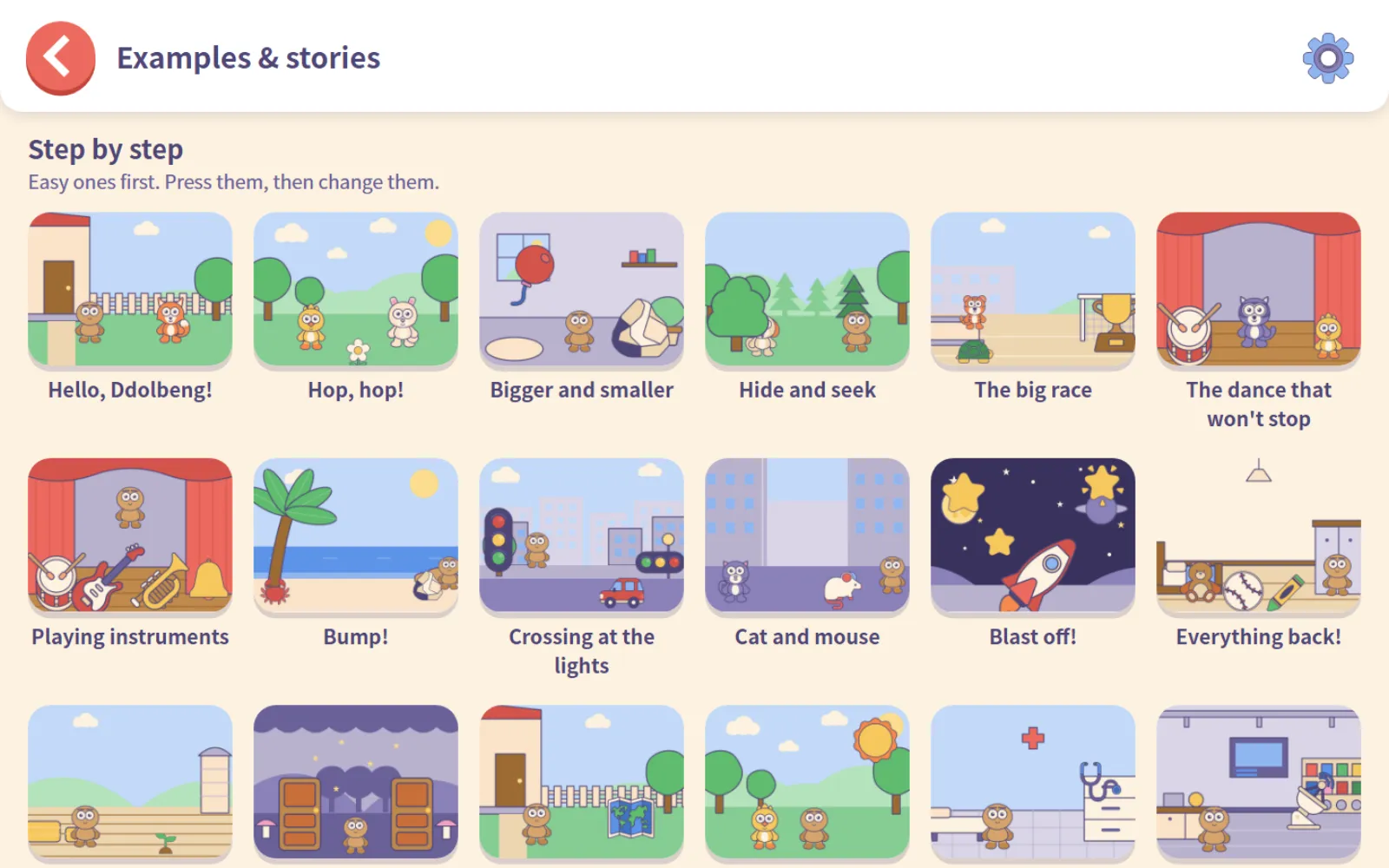
34 examples and story books
31 to learn from and 3 to read and change. All of them were rebuilt with the second-generation artwork. The moment a child edits an example it becomes their own project, and the original stays put — so it is safe to break things.
Pass projects around as files
Export a project as a single .sjr file and load it back. Carry work from home to a school tablet, or hand a teacher's example to a class. It all happens on the device, without a server.
21 languages
Not just the interface — character names, object names, example titles and dialogue are filled in for all 21 languages.
A look around
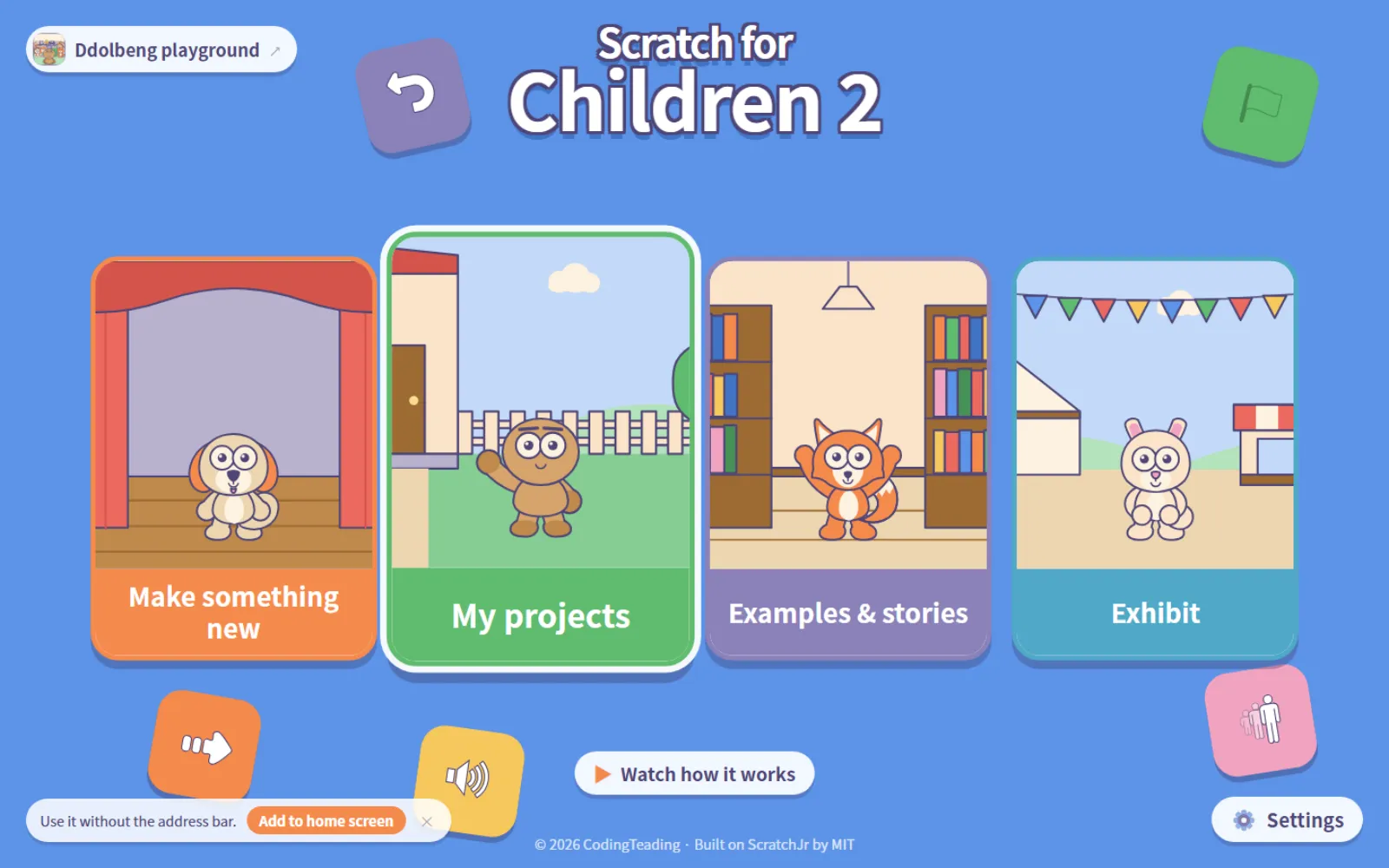
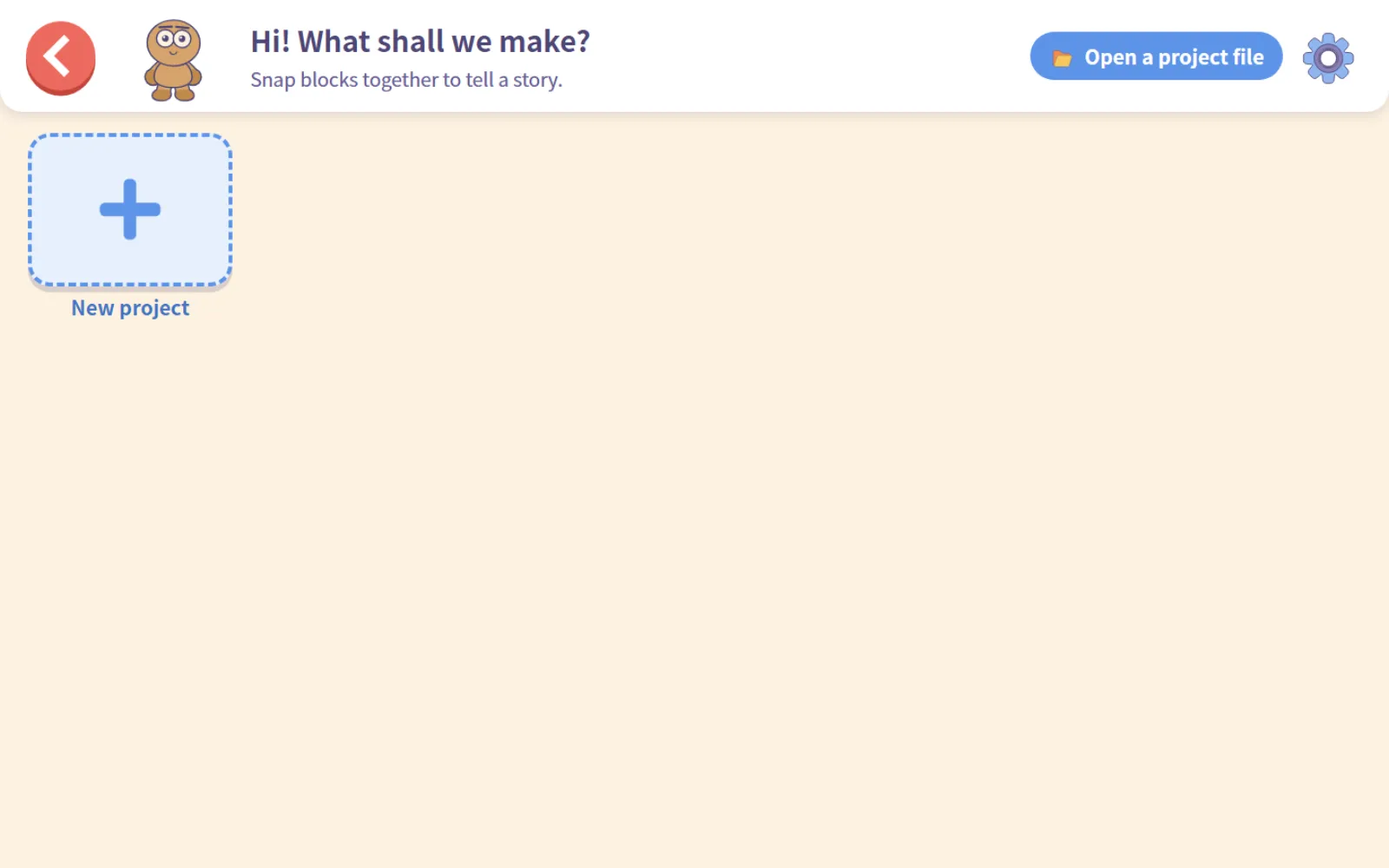
The first screen opens into four doors: make something new, my projects, examples and stories, and the exhibit.
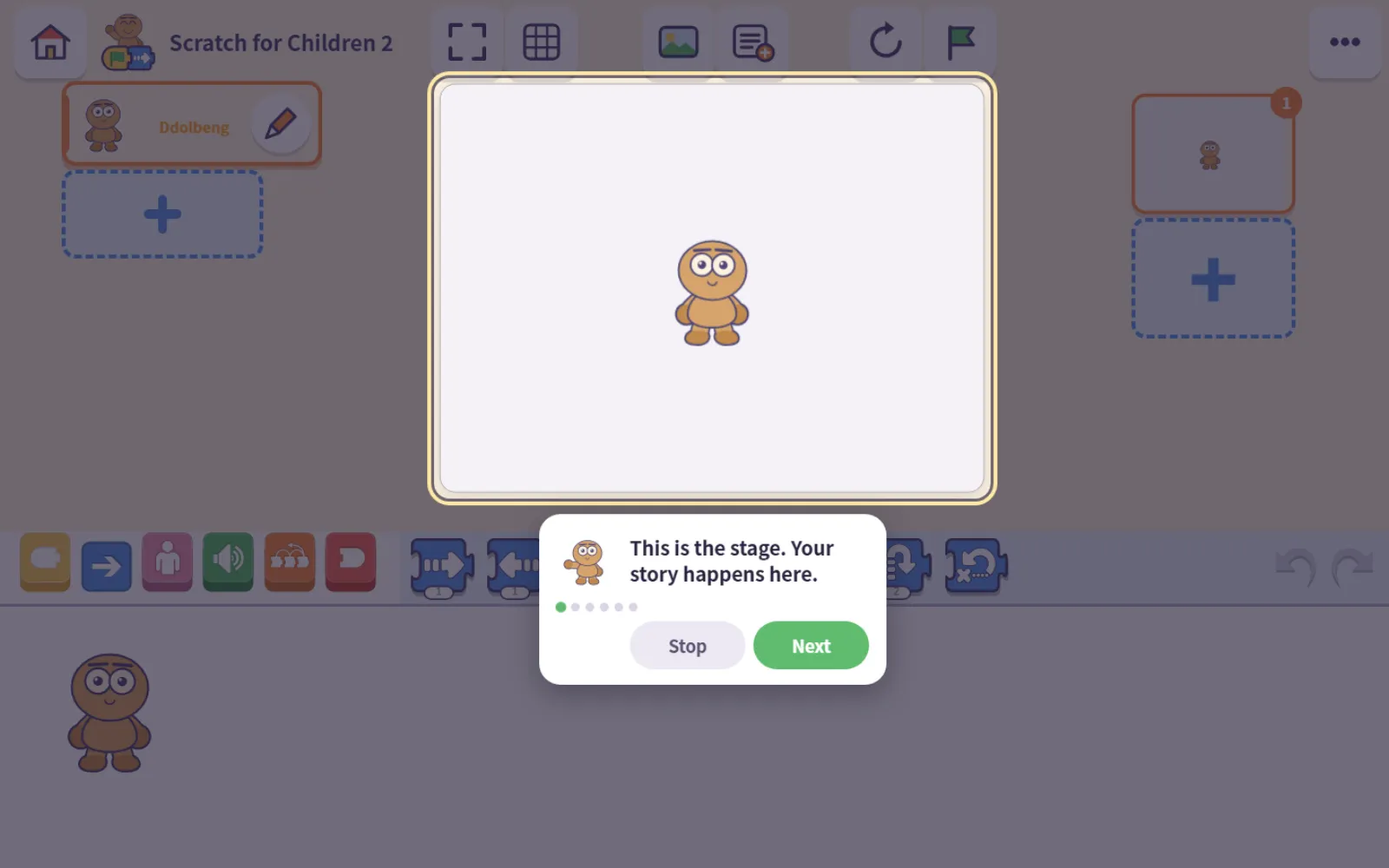
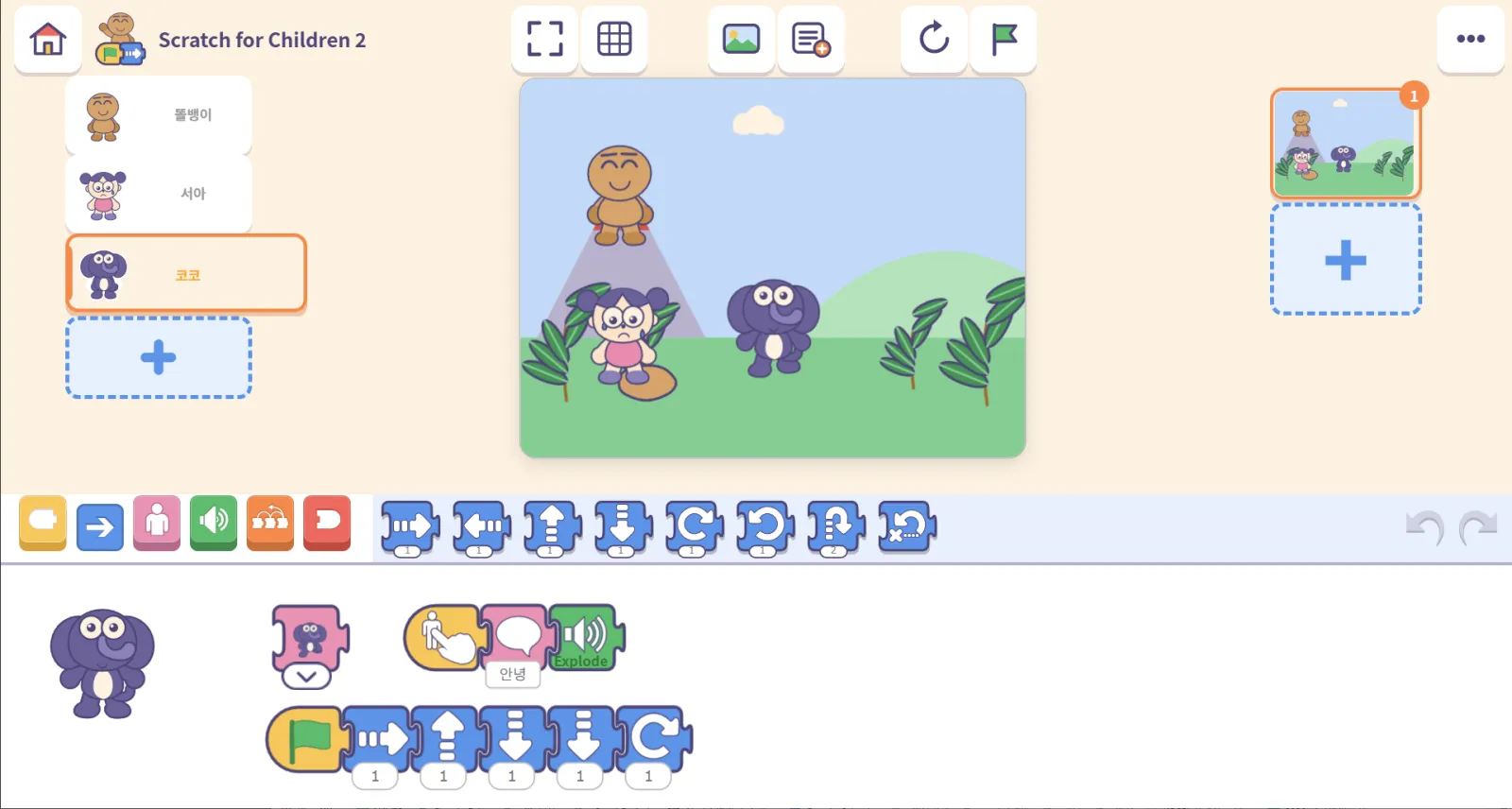
The making screen
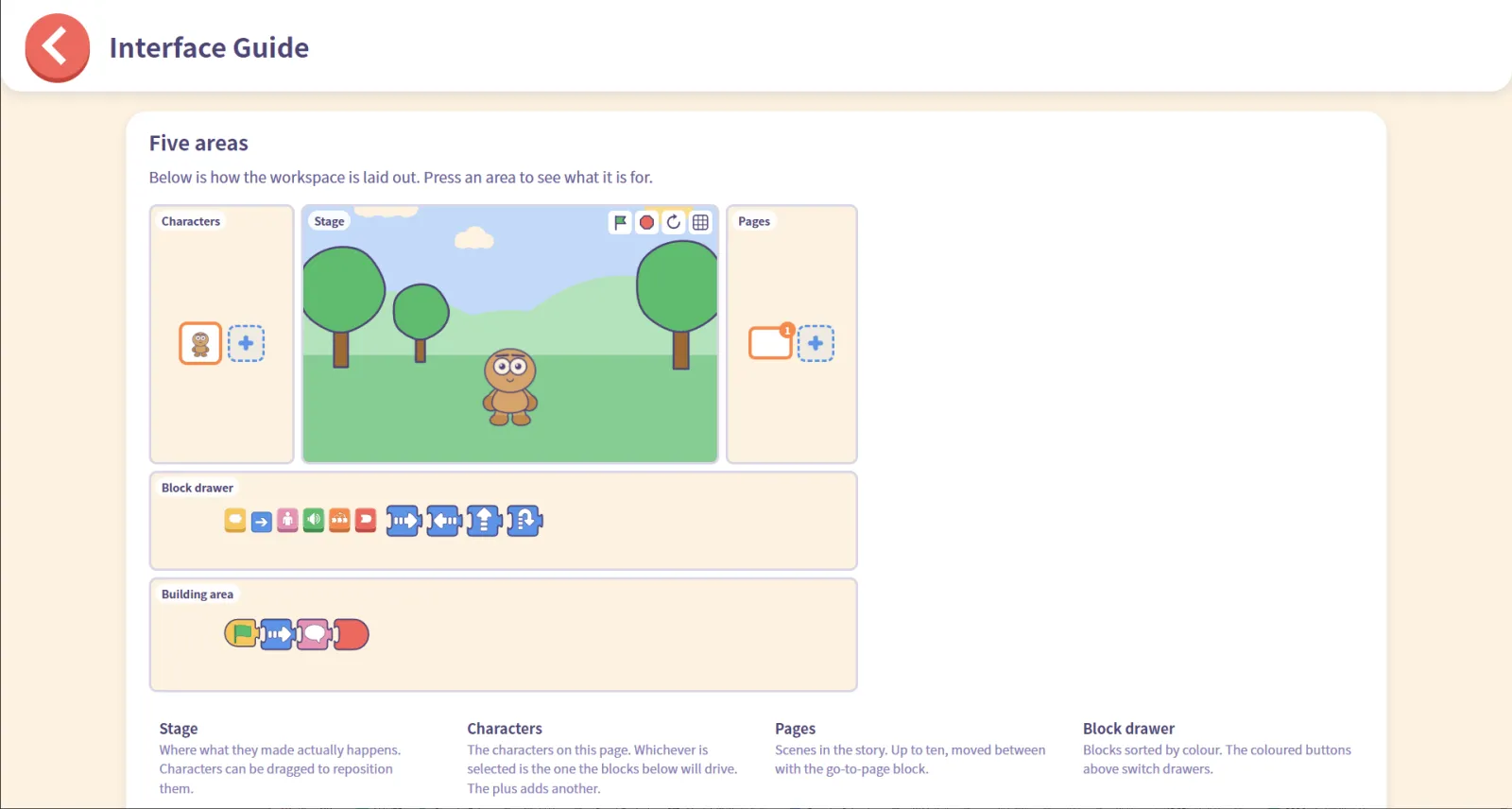
Five areas: the stage, the character list, pages, the block drawer, and the building area.
For grown-ups
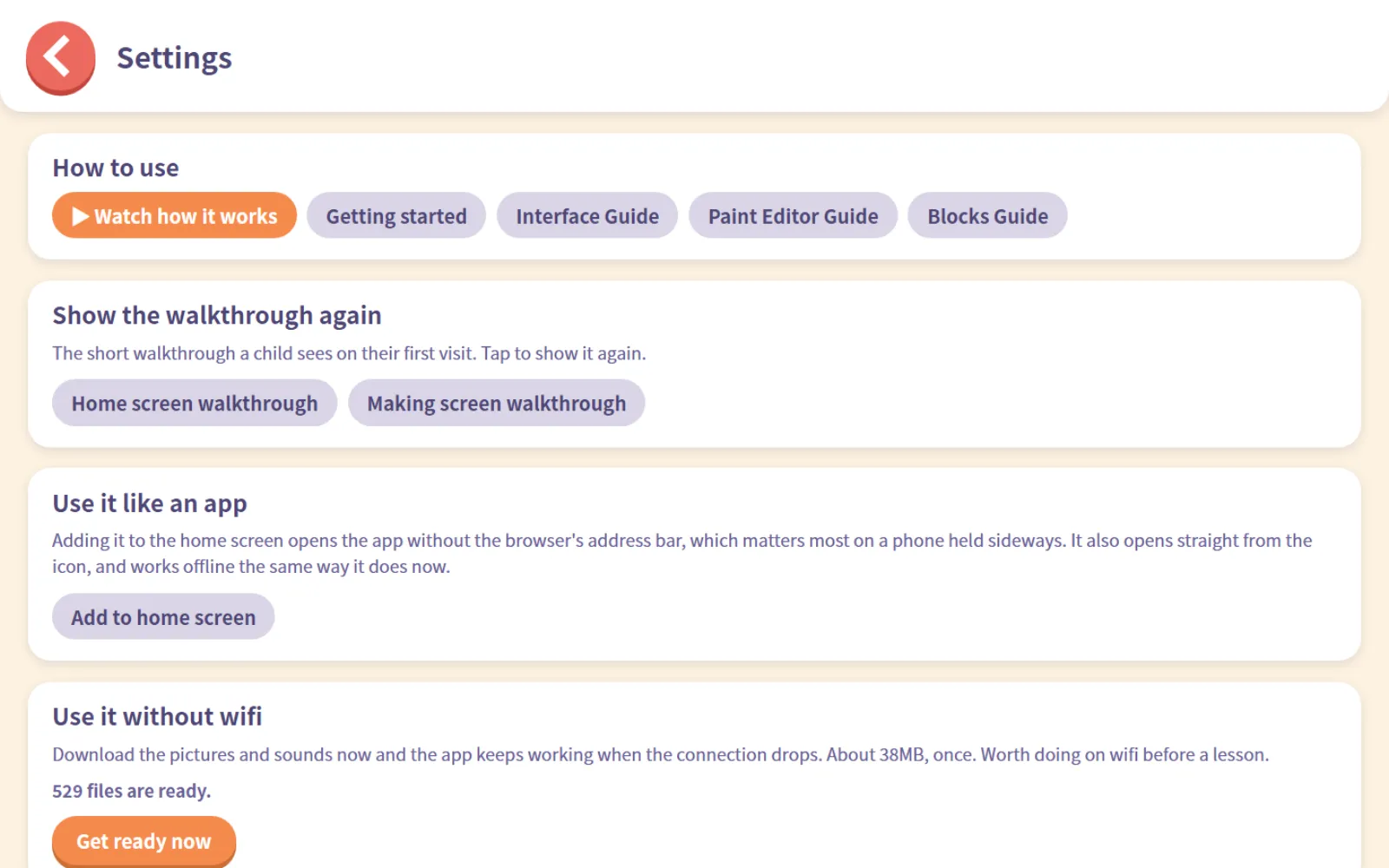
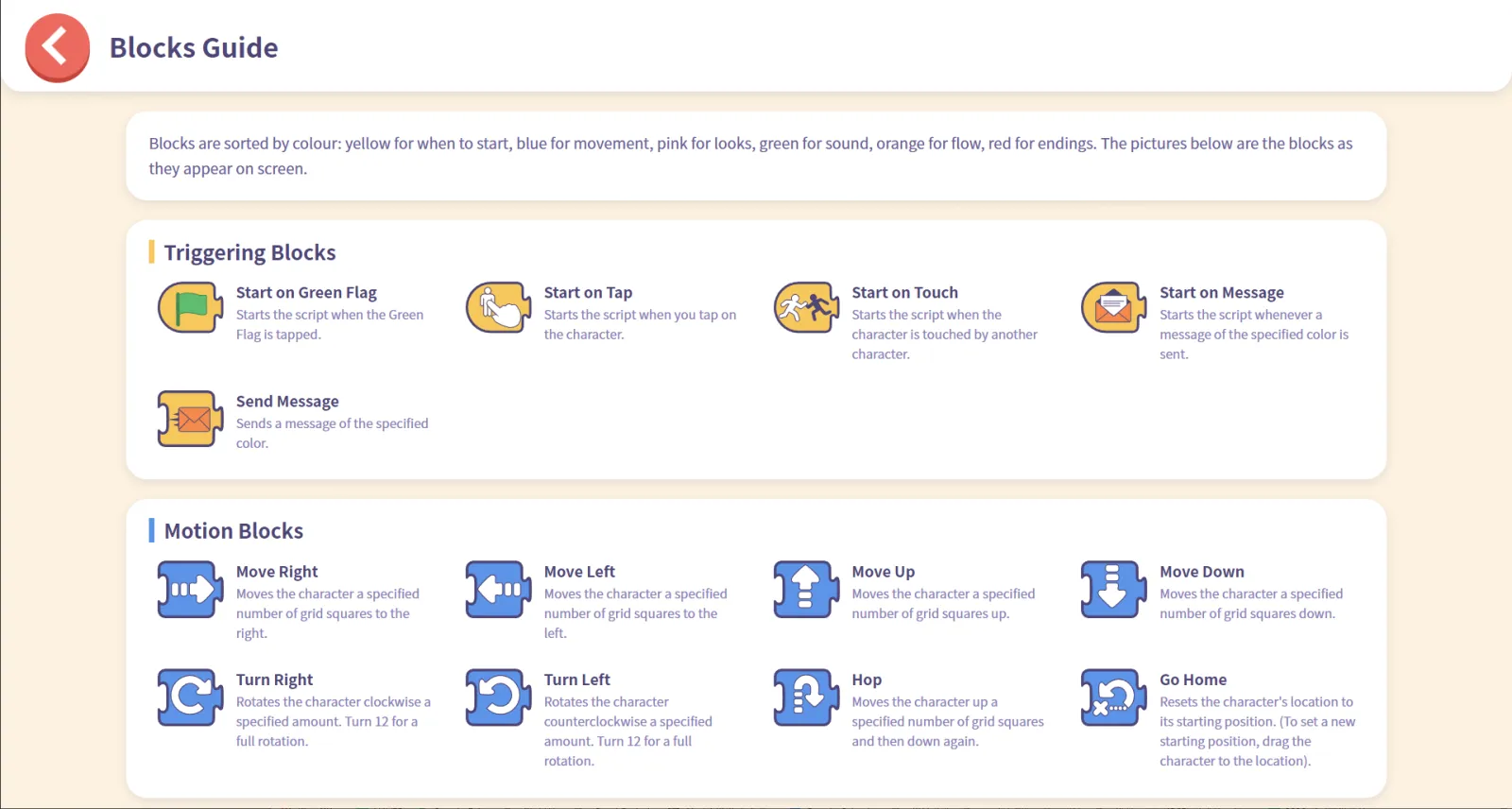
How to spend the first half hour, and what each part of the screen and each block does — laid out on the grown-ups' pages.
Viewing and the exhibit
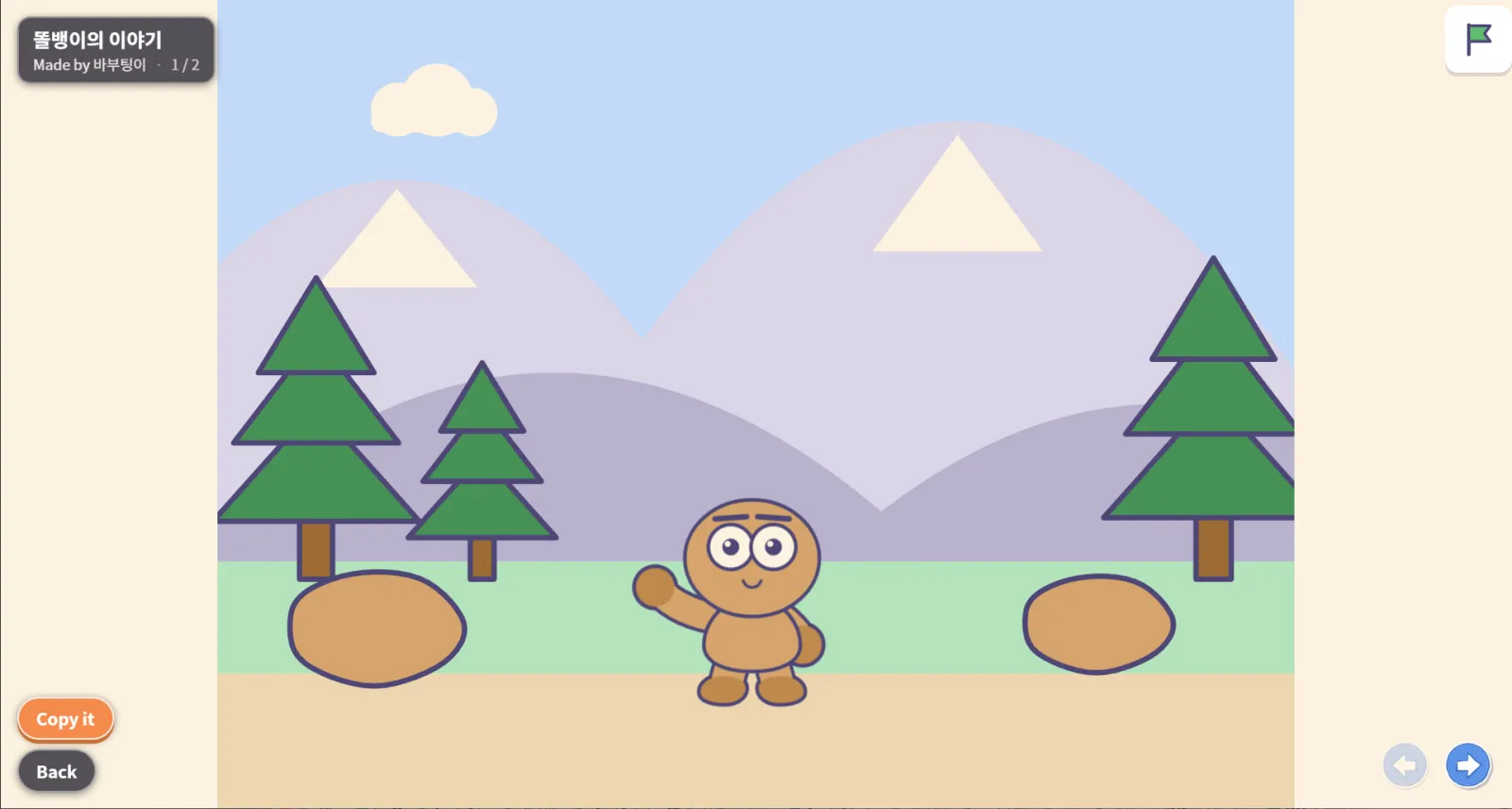
Open someone else's project and it plays full screen rather than in the editor. Projects that need tapping can still be tapped, and if you like one, “make it mine” copies it so you can change it. Anything sent to the exhibit is published only after a person has looked at it and approved it.
Visit the exhibitSide by side with Scratch for Children
The first generation keeps running. If you need the Android or Windows app, or you already have projects there, stay with it.
| Learn more | Scratch for Children | Scratch for Children 2 |
|---|---|---|
| Base | ScratchJr, translated | ScratchJr engine + newly drawn characters, backgrounds and screens |
| How to use | Web · Android · Windows | Web (installable, works offline) |
| Characters | ScratchJr originals | 20 original characters × 20 looks (400 frames) |
| Objects · backgrounds | ScratchJr originals | 816 · 60 |
| Sound | 18 effects | 15 music tracks + 18 effects |
| Character motion | Still pictures | Animated on stage |
| Face · action blocks | Step to the next one | See the faces and pick |
| Finding objects | Scroll the list | Categories + search + recently used |
| Object size | All the same size | Sized to suit each object |
| Input | Choose touch or mouse mode | Both, always |
| Examples | ScratchJr · BootUp examples | Rebuilt with the new artwork · some based on BootUp samples |
| File exchange | None | .sjr export and import |
| Sharing work | None | View-only player + curated exhibit |
| Accounts | None | None |
Safety and privacy
- There are no accounts. Nothing to sign up for, nothing to log into, and projects stay on the device.
- Projects sent to the exhibit go through an automated check and are then reviewed and approved one by one by a person.
- The exhibit listing is indexed by search engines, but the nickname a child writes on a project is never put on that page.
- A guardian can ask for a project to be taken down at any time using the number issued when it was sent. Once removed, it does not come back.
Who it is for
- Parents showing a child coding for the first time
- Teachers looking for a tool for early grades and kindergarten — nothing to install and no accounts, which suits a classroom sharing tablets
- Families who live in more than one language — the same app runs in 21 languages
Built on MIT ScratchJr; not affiliated with or endorsed by the ScratchJr organisations. Some learning examples are based on BootUp's samples, with their permission. Object artwork is Microsoft Fluent Emoji (MIT License), recoloured to this palette.