A hands-on AI lab
A hands-on AI lab: AI Teading
Artificial intelligence is quicker to grasp by touching it than by being told about it.
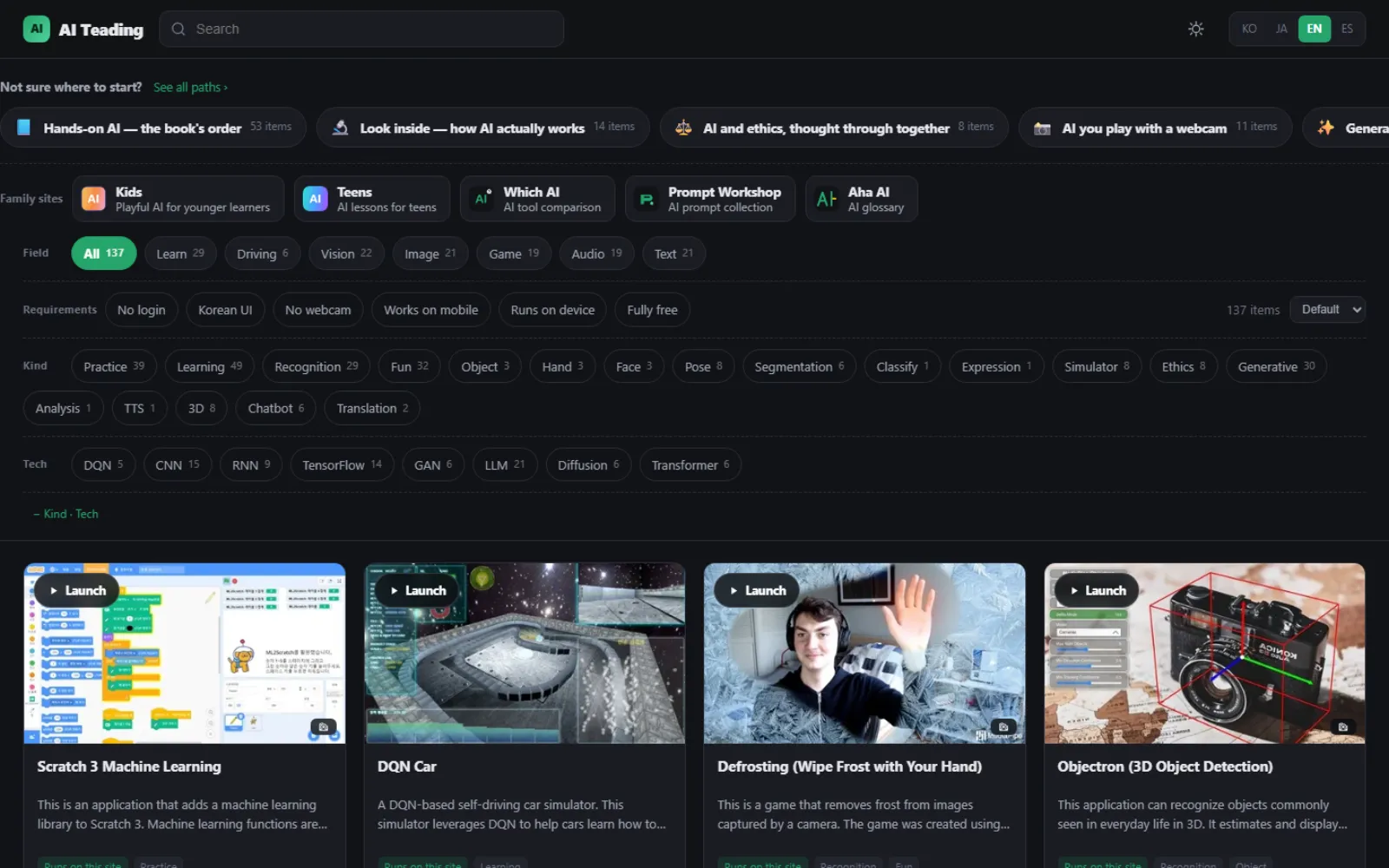
AI Teading gathers 137 artificial intelligence resources in one place, all usable straight from the browser with nothing to install or prepare. It began as the companion site to CodingTeading's book on artificial intelligence and has grown well beyond it since.
Wave at a webcam and the computer traces the joints of your hand; scribble something and it guesses what you drew; type a few words and a picture appears or a tune is written. Each one opens from a single [Launch] button on its card — no login, no download.
Two kinds of resources
- 54
- Run on this site (open-source apps hosted directly)
- 83
- Link out to vetted services (ChatGPT, Gemini, Papago and others)
Every resource carries a plain-language note on what it does and how to try it, so nobody is left guessing on a first visit.
What changed
The first AI Teading was a set of around 60 examples across 12 categories. It was a good start, but as the collection grew and artificial intelligence itself moved quickly, the limits showed. The second generation was rebuilt from the floor up.
A different way to find things — three axes
Instead of 12 categories in a single row, you narrow down along three axes: field, kind and technique, and requirements. The requirements axis is the one that earns its keep — “only things that work in a school computer lab without logging in” is a couple of clicks.
It answers “what should I do first?”
137 items laid out flat tell a first-time visitor nothing about where to begin. Five learning paths thread scattered resources into an order. Each path is split into steps, and each step comes with a short note.
Search the way people talk
You no longer need the exact product name. “Cutout” finds background removers, “VTuber” finds motion capture apps, “backing track” finds vocal separators. Hidden keywords are attached to each resource so it turns up under the words people actually type.
Every resource has its own page
The first generation was a single page, so search engines could not tell the individual resources apart. Now each one has its own address and its own description page, indexed in four languages.
Kept trustworthy
Services that have shut down are marked with an alternative alongside, and thumbnails shot in 2023 were retaken from the current screens. For open-source apps hosted here, the original project and its licence are shown.
Korean · Japanese · English
Not just the interface — the resource descriptions are written in all four languages. Dark and light themes and mobile layouts are supported too.
The three axes
Field
Images · video and recognition · music and sound · text and conversation · games · experiments and visualisation · self-driving
Kind · technique
Generative · recognition · learning · ethics … / CNN · RNN · GAN · LLM · Diffusion …
Requirements
No login · no webcam · Korean supported · works on mobile · completely free
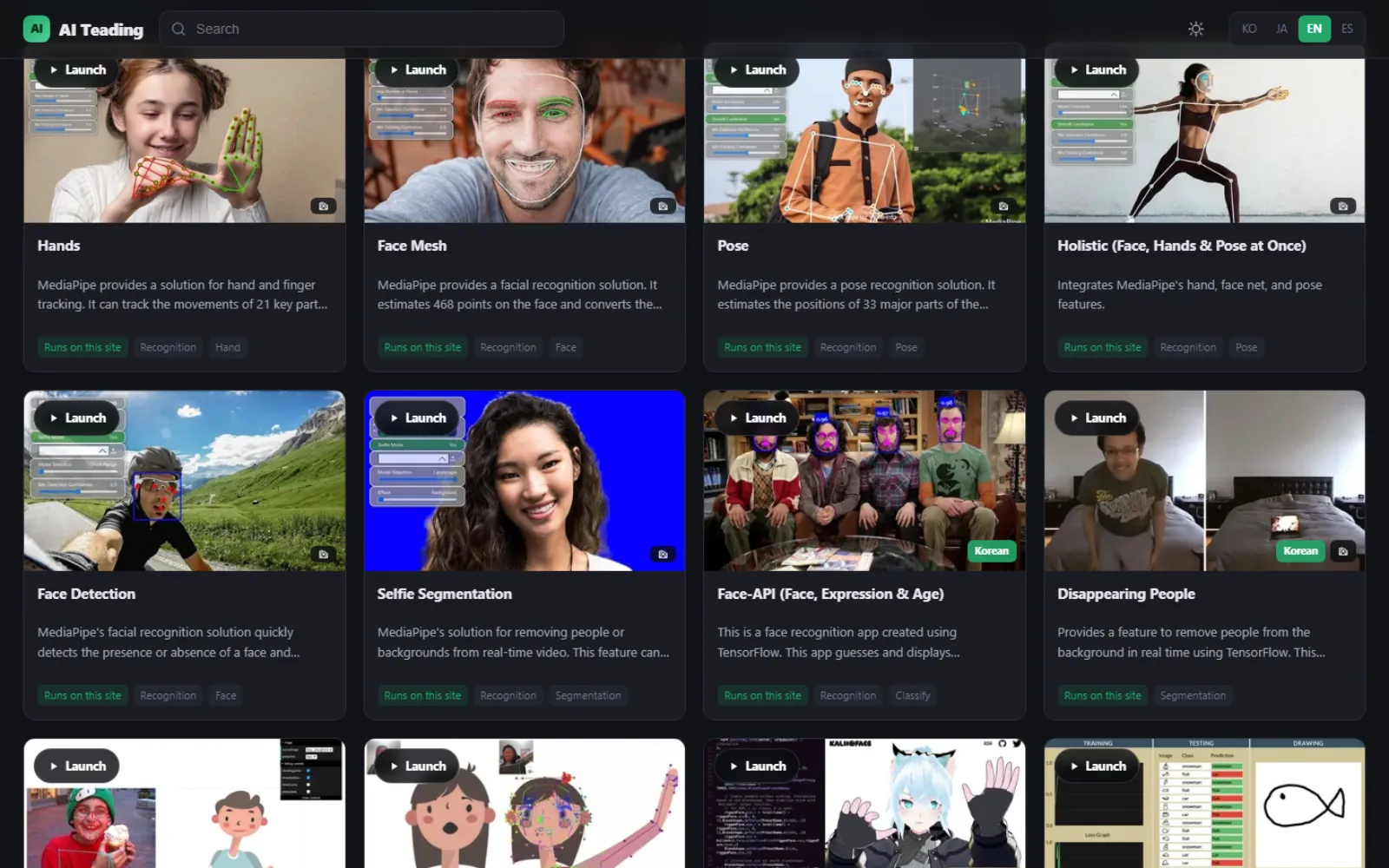
The slim learning-path strip at the top, the three filter axes, and the resource cards all sit in view at once. Every card carries a [Launch] button.
Five learning paths
Readers of the book can follow the page numbers; anyone without it can simply work through in order.
- 53 items
Hands-on AI — the book's order
The book's table of contents, exactly: recognition → learning → neural networks → generation
- 14 items
Look inside — how AI actually works
Watch, visually, what a neural network is learning
- 8 items
AI ethics, thought through together
Bias, deepfakes, the choices in self-driving — for lessons and discussion
- 11 items
AI you play with a webcam
No install, no login — just the camera
- 12 items
Generative AI you can use today
Chat, images, photos and translation — tools that actually get used
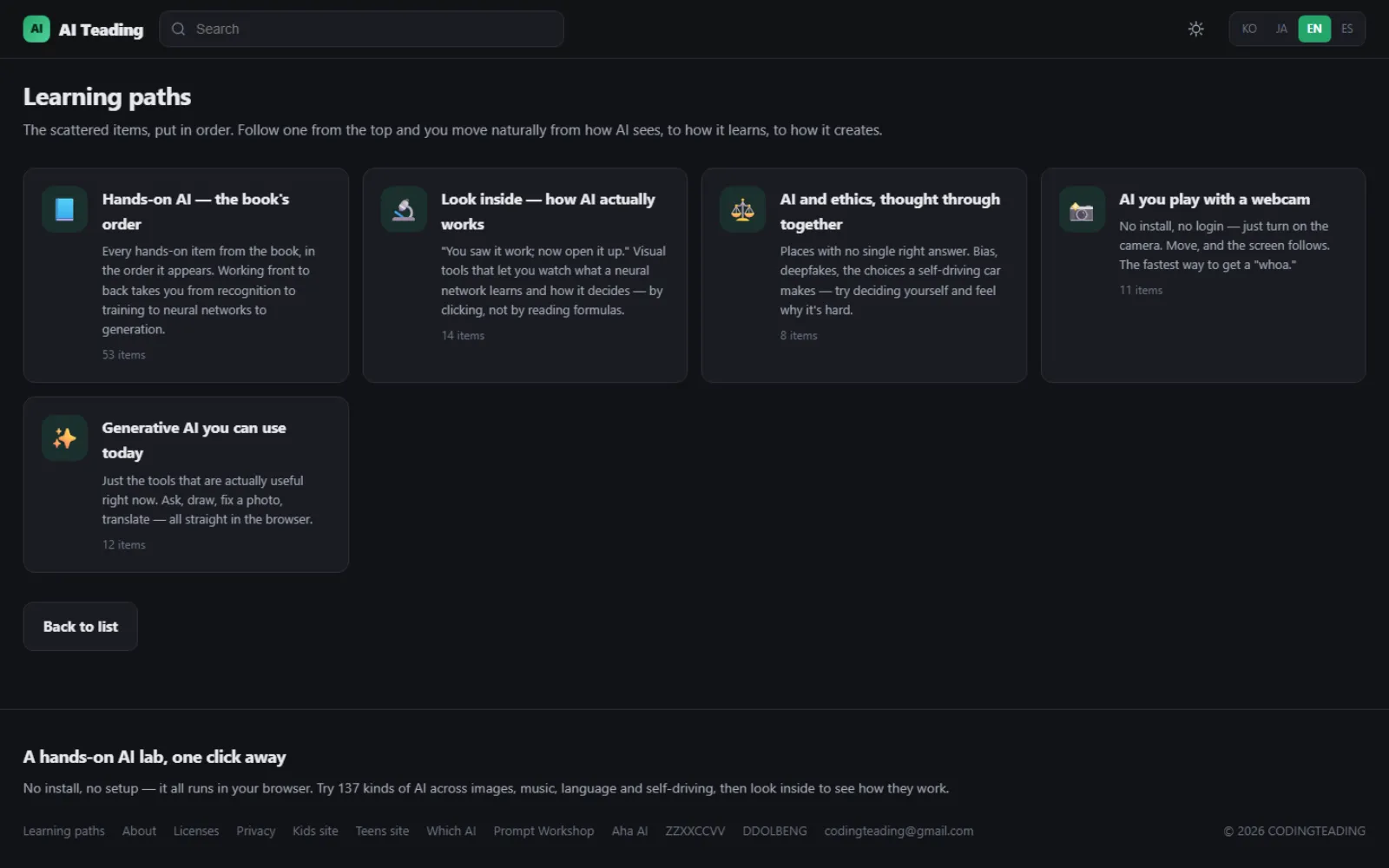
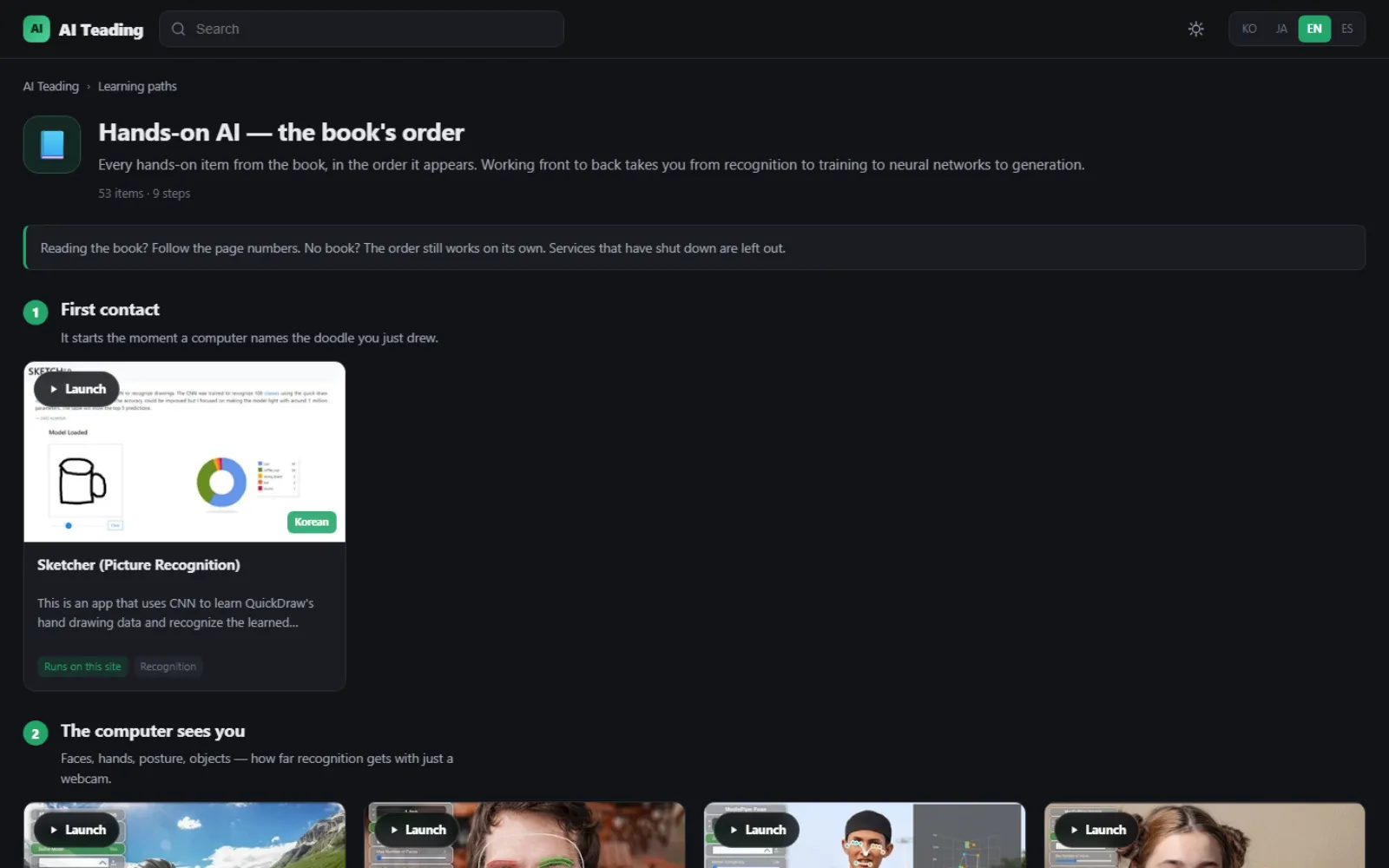
The list of paths that tells you where to start, and a path laid out step by step.
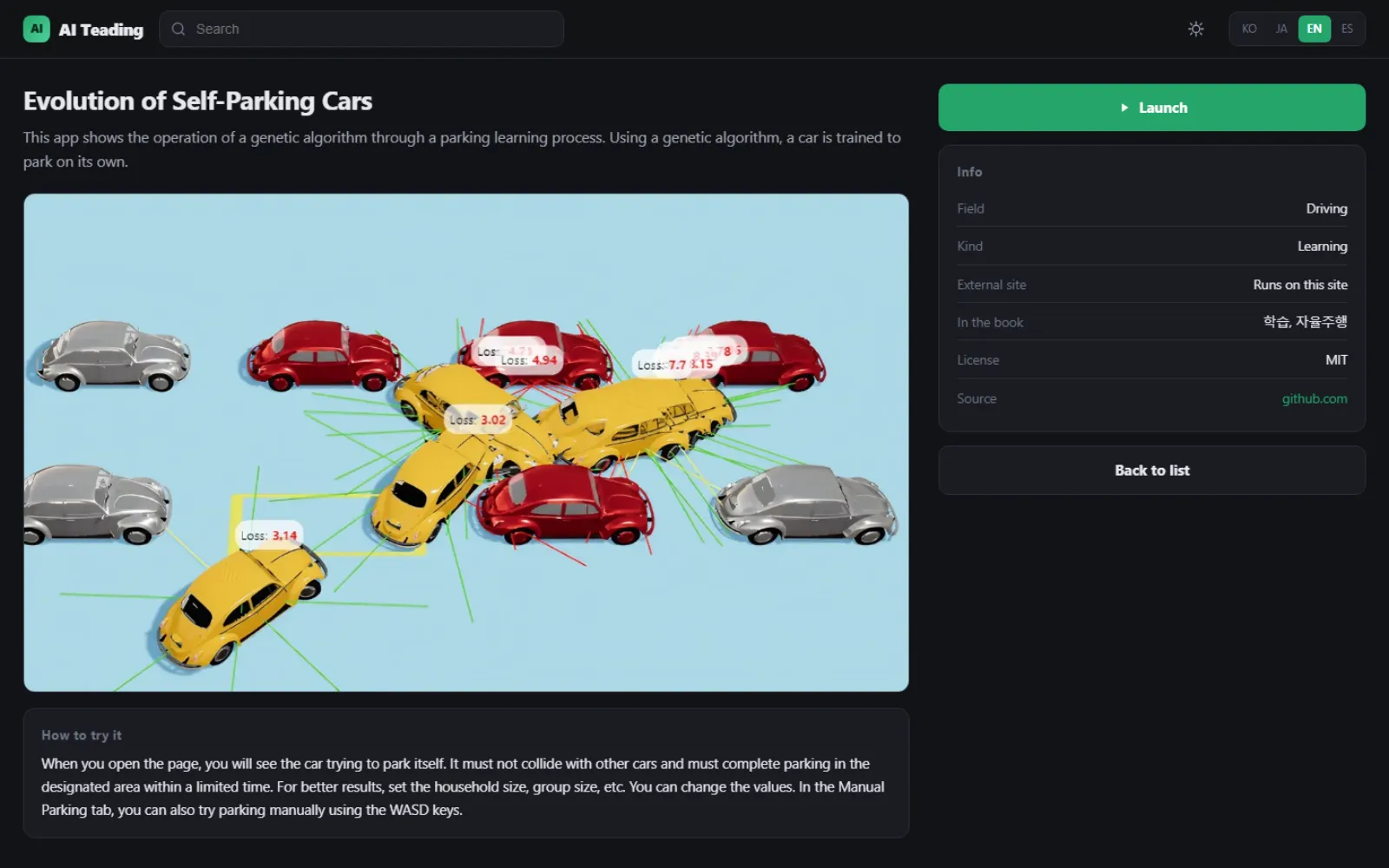
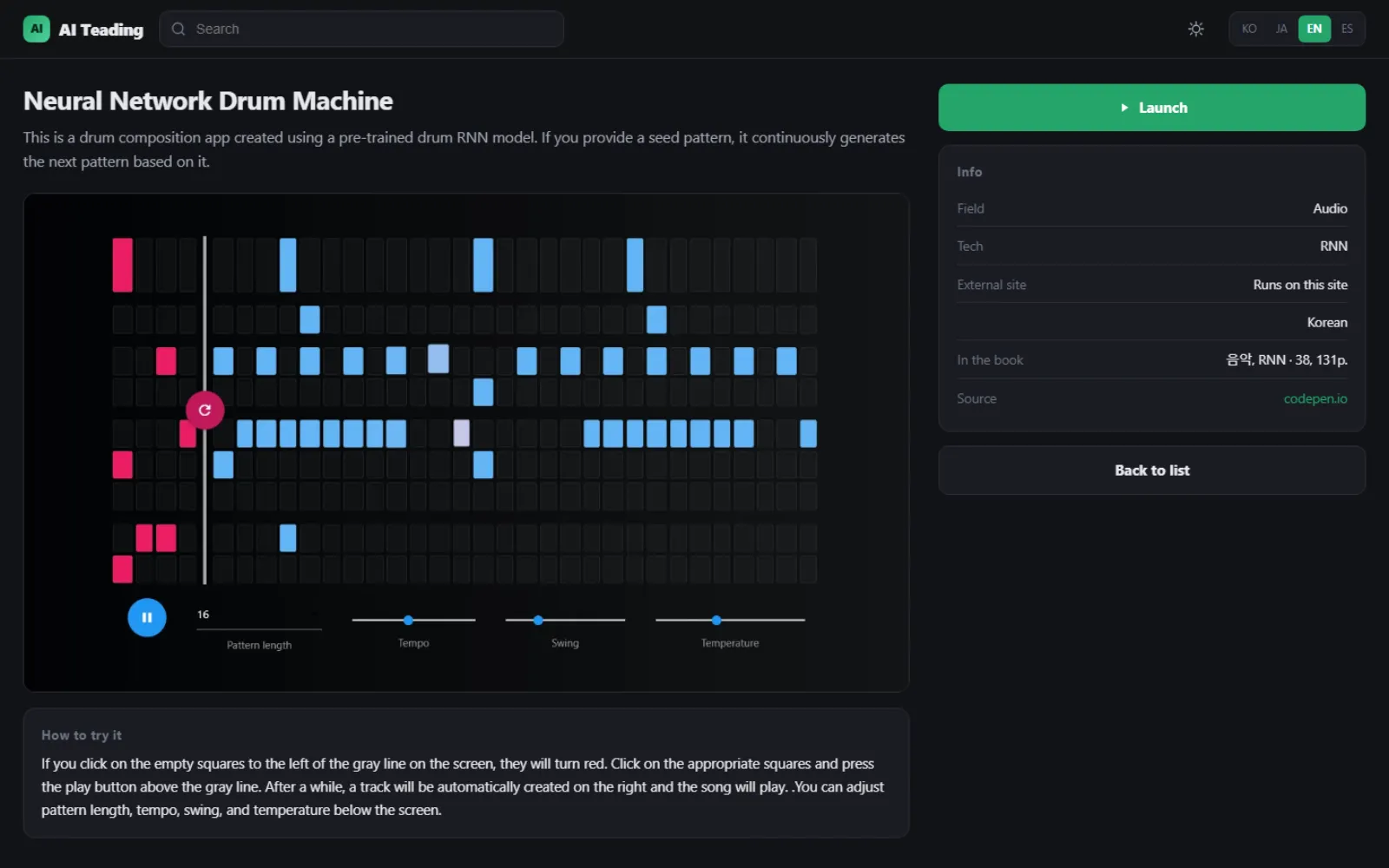
The description screen
A full description and how to try it, which field and technique it belongs to, where it appears in the book, and its source and licence — and you can launch it from here.
Side by side with the first generation
| Learn more | 1st generation (2023) | 2nd generation (2026) |
|---|---|---|
| Resources | About 60 | 137, every one checked to still work |
| Sorting | 12 categories in one row | Three axes — field · kind and technique · requirements |
| Starting point | Skim the list | Five learning paths that say what to do first |
| Search | By name | Everyday words (“cutout”, “VTuber” both work) |
| Languages | Korean | Korean · Japanese · English · Spanish |
| Search visibility | Only the front page indexed | A separate indexed page per resource |
| Interface | — | Dark and light themes, mobile layouts |
Who it is for
- Students meeting artificial intelligence for the first time
- Teachers looking for lesson material — no install and no login, so it works in a computer lab straight away
- Anyone who just wants to poke at things