AI tool comparisonsNEW
AI tools compared: Which AI
Which AI for this? Answered by situation, not by ranking.
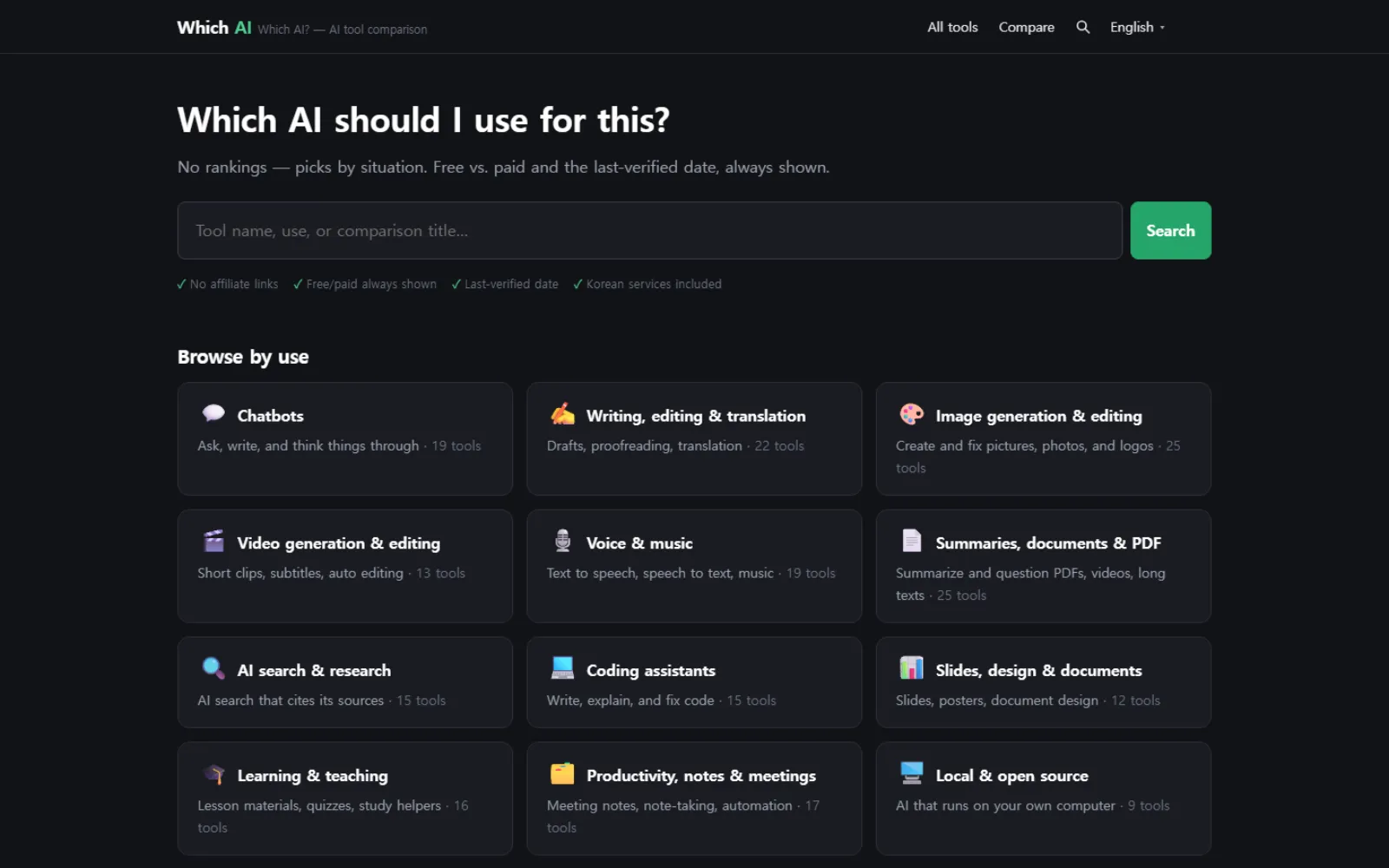
122 AI tools sorted into 12 kinds of use. There is no "best AI" league table here. Instead, 60 comparisons answer situations: you have a PDF to summarise, a deck to build, a paper to read.
Write-ups of AI tools are everywhere, yet choosing one is still hard, for two reasons: nobody says how far the free tier actually goes, and nobody says when they checked. Both are nailed to every page here.
What makes it worth trusting
No affiliate links
Clicking through to any tool earns nothing. There is no money for the recommendations to follow.
How far free actually goes
Not just "has a free plan" — the limit itself. How many credits, how many documents, how many runs a day goes in the table.
The date it was checked
Every entry carries a last-checked date. Past 90 days a yellow dot appears; past 180 days a banner says the information may be stale.
What is in it
- 122
- tools checked one by one
- 60
- comparisons by situation
- 12
- kinds of use, from chat to summarising
- 4
- Korean · English · Japanese · Spanish
How it was built
Korean support is its own column
Rather than a yes/no, support is split three ways: full, workable but awkward, or not at all. Korean services are included alongside the global ones.
Comparison tables are not written by hand
One tool is one file, and the tables are generated from those files. Change a price once and every table that mentions it changes with it.
Build your own comparison
Put tools in a tray and it makes a table of exactly that set — including combinations nobody wrote up in advance.
Filters live in the address
Pick free, no-login, Korean, and the URL changes with you. Send that URL and the other person sees the same screen.
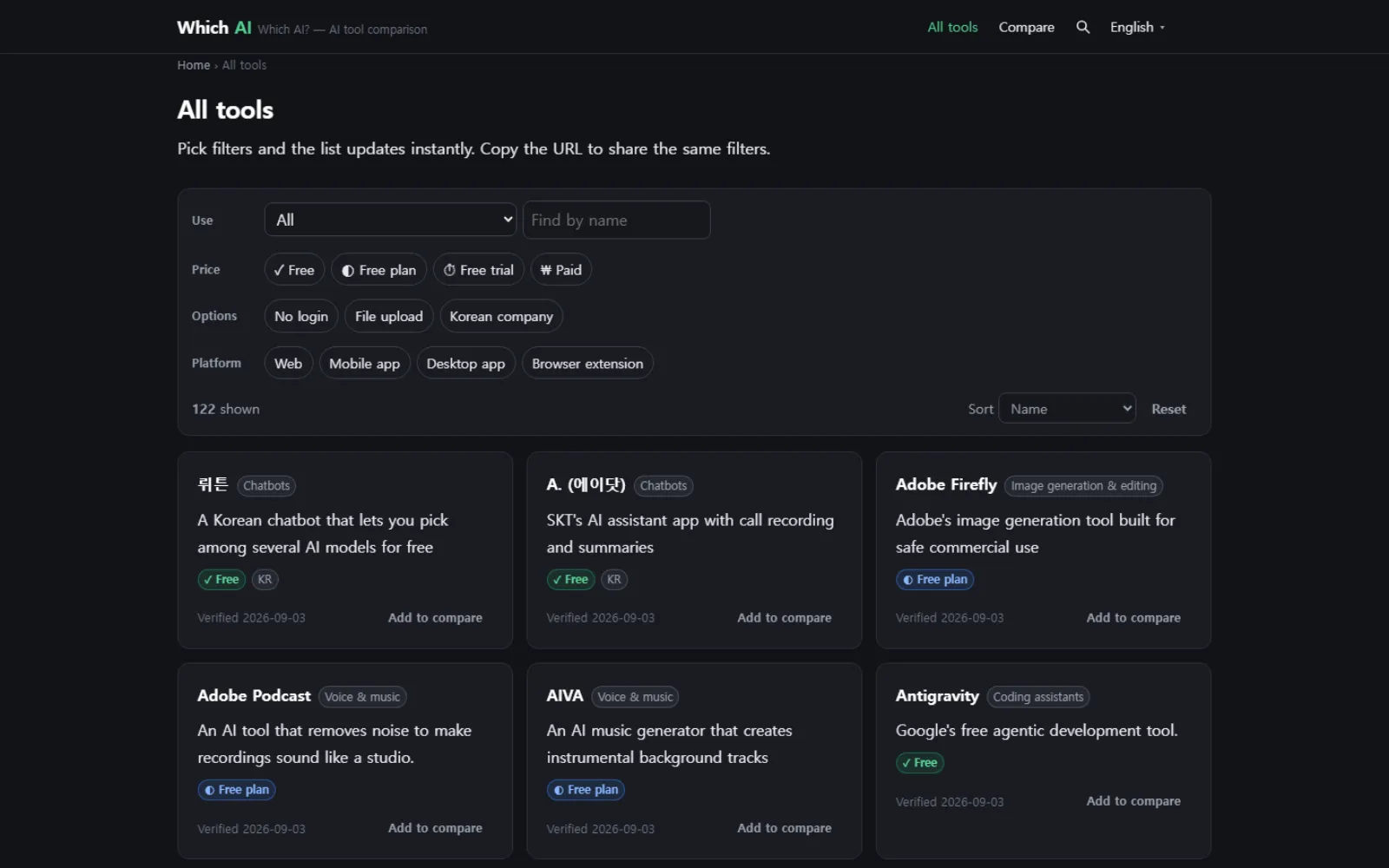
All tools, and narrowing them down
Filter by use, price, language, login and platform. You watch the 122 shrink as the conditions stack up.
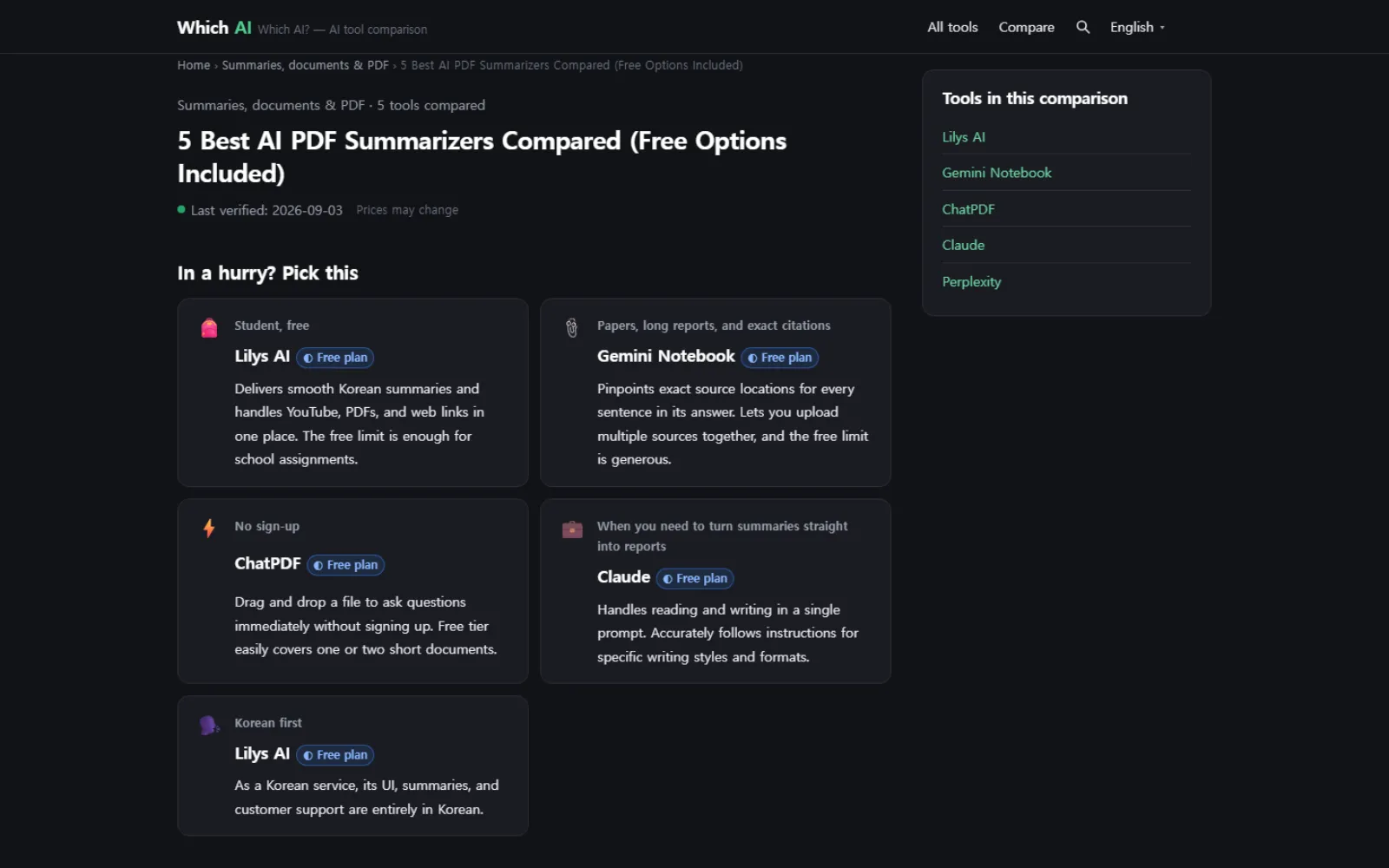
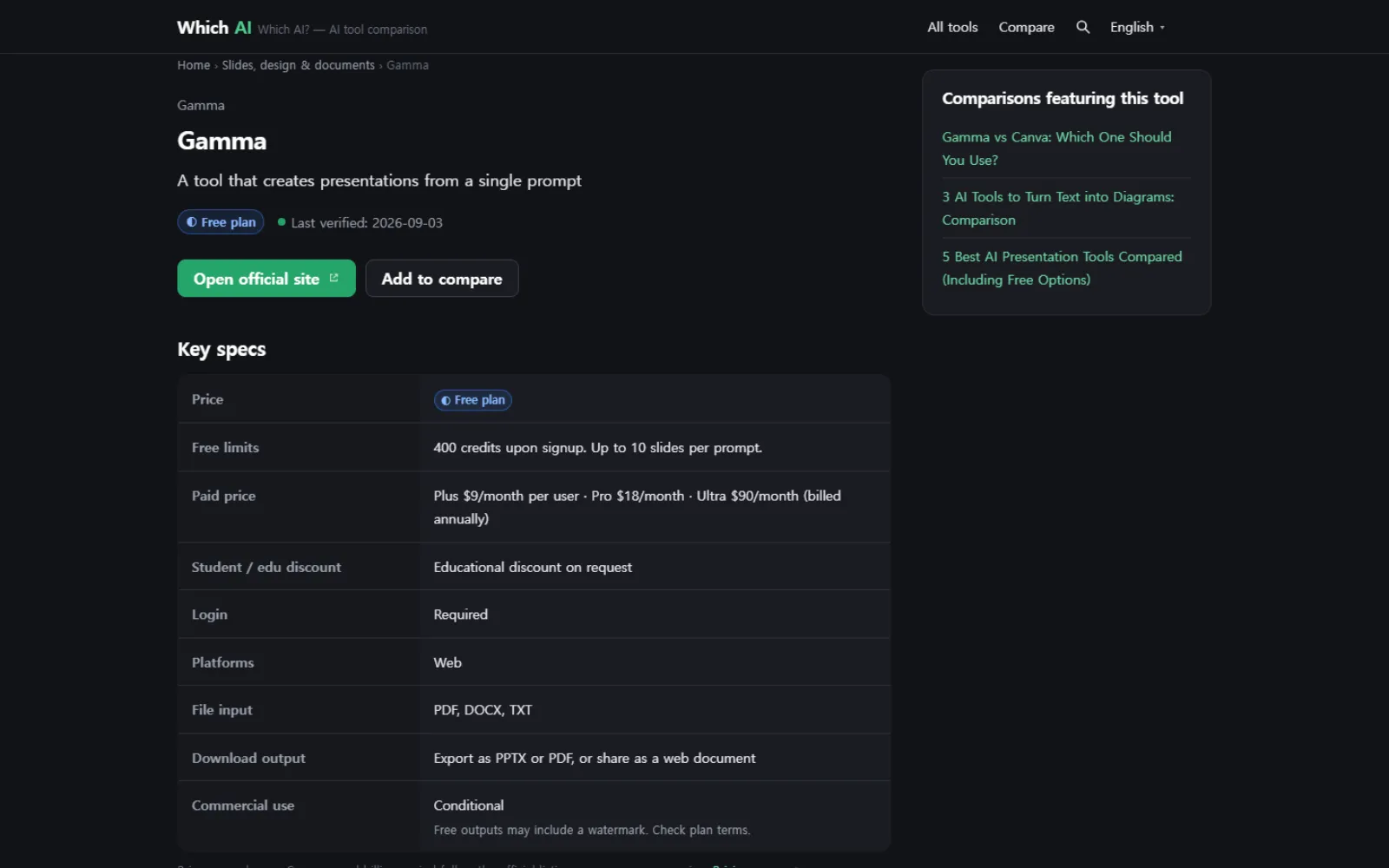
A comparison and a tool page
A comparison opens with "if you are in a hurry" and then goes to the table. A tool page lays out the free limit, paid price, file inputs and commercial use in the same shape every time.
Who it is for
- Teachers choosing a tool for class, who need the free limit before anything else
- People bringing AI into their work with no idea where to start looking
- Anyone who keeps hearing "that one is good now" and still cannot choose