Science and math you can touchNEW
Science and math you can touch: Nudge
Predict first, move it yourself, then find out.

Nudge wraps lessons around 61 PhET simulations from the University of Colorado Boulder. Fourteen courses take you from static electricity, motion, waves and atoms to fractions, ratios and graphs — all of it checked with your own hands.
It opens straight in the browser. Nothing to install, no account, no ads. How far you have got is stored in this browser, not on a server.
- 61simulations
- 14courses
- 61lessons
- 4languages
Reading about it is not the point
All 61 lessons run in the same order. The point is that the answer does not come first.
Predict first
Before the simulation opens you pick an answer to one question. Nothing tells you whether it was right — the choice is simply saved.
Try it yourself
Open the simulation and work through the missions in order. Nudge a value, and watch what changes.
Compare with your prediction
Once you have written down what you saw, the answer opens. What sticks is the place where your prediction missed.
What is inside
61 PhET simulations
Science and math simulations the University of Colorado Boulder has been building for over twenty years. Only the colours and fonts were adjusted to fit the site; the behaviour is the original.
A how-to for every simulation
Screens, controls and the things that trip people up, written out for all 61 simulations — so nobody stalls wondering which button to press.
14 courses, 61 lessons
Physics, chemistry, math, biology and earth science, each grouped into a course that starts from a single question. A course takes 40 to 100 minutes.
Four languages, no ads
Readable in Korean, English, Japanese and Spanish. Free, no sign-up, and no advertising.
Courses and lessons
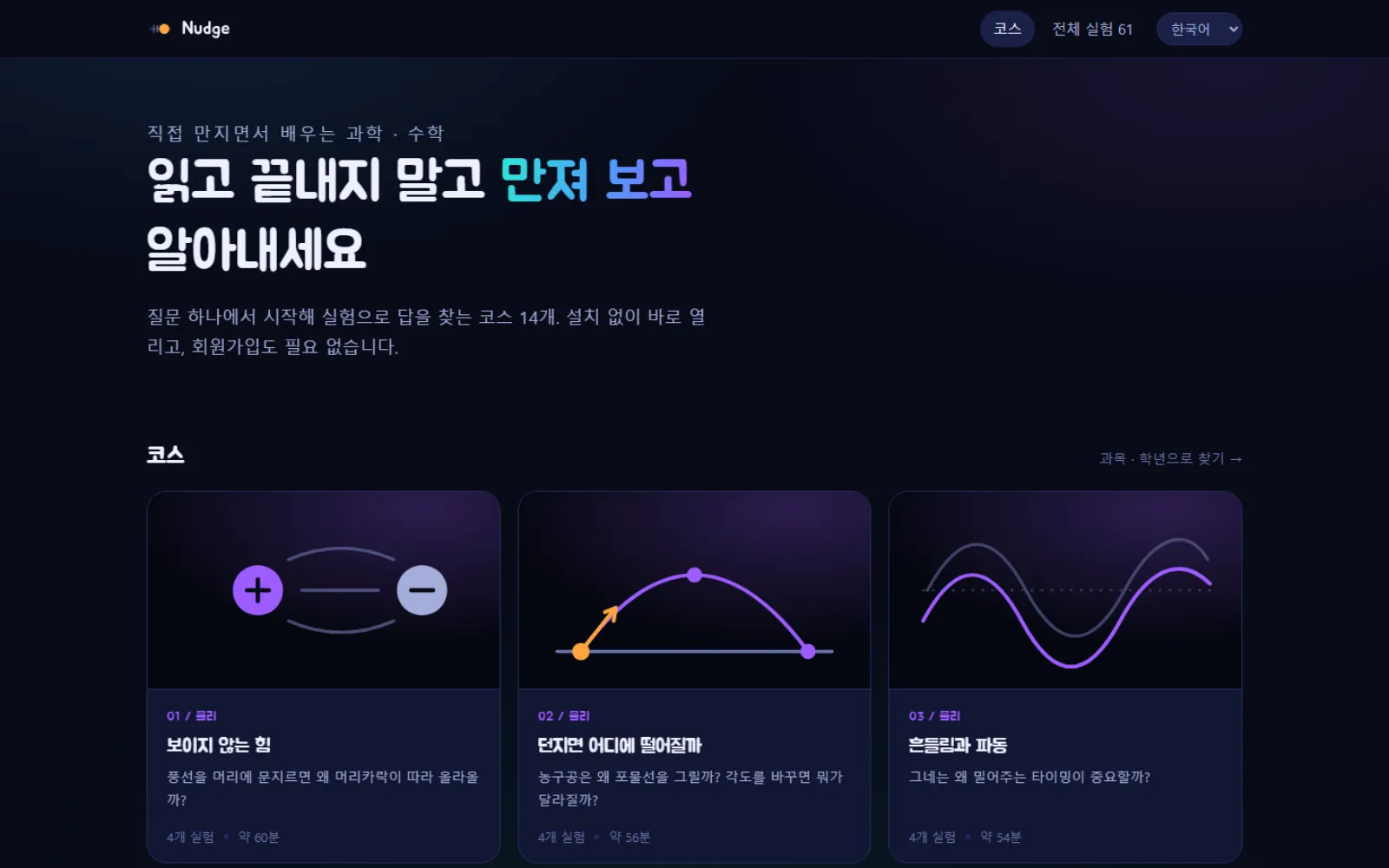
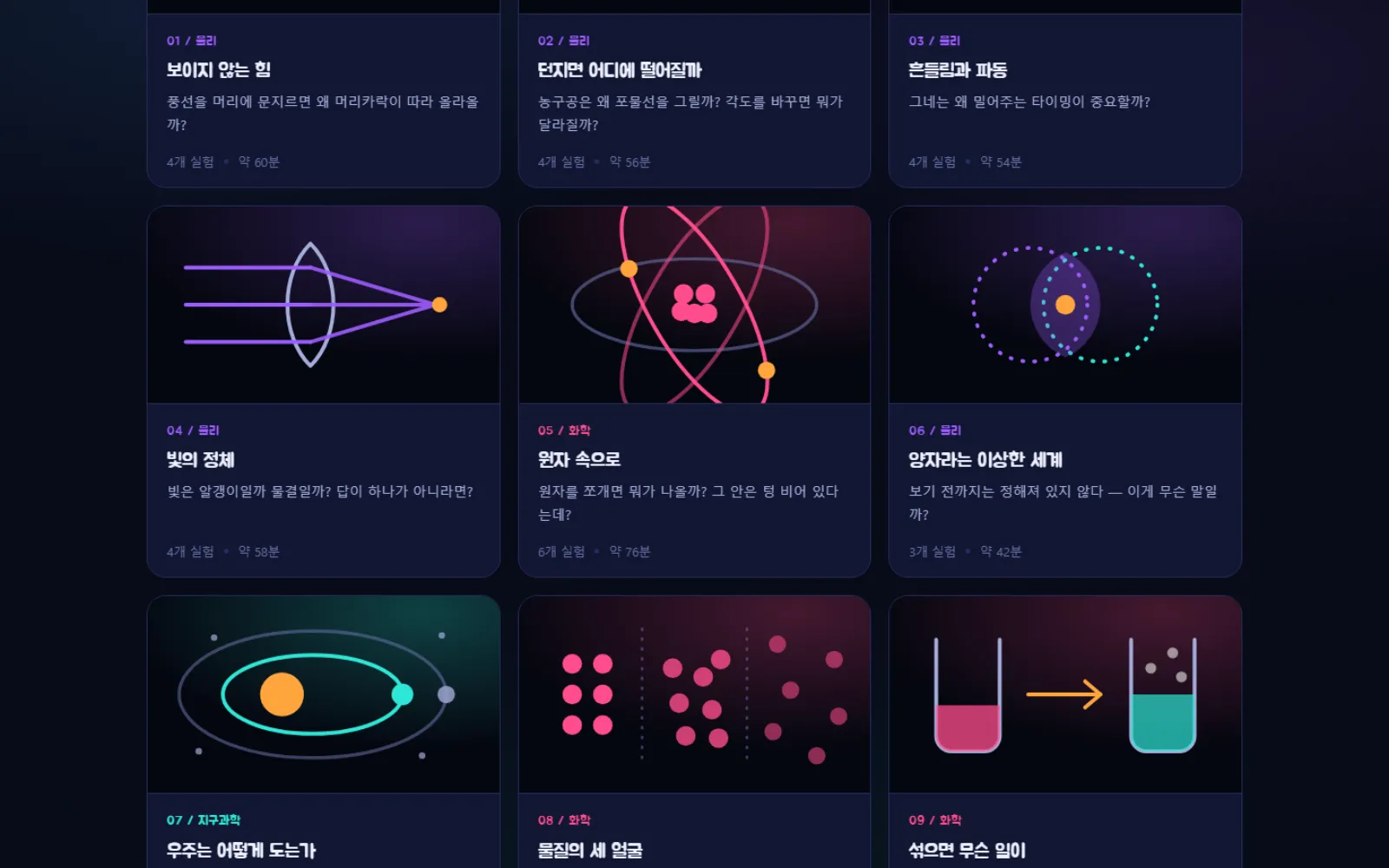
The front page lays out all 14 courses. Open one and the lessons line up in order, each with the time it takes and how demanding it is.

The lab and the how-to
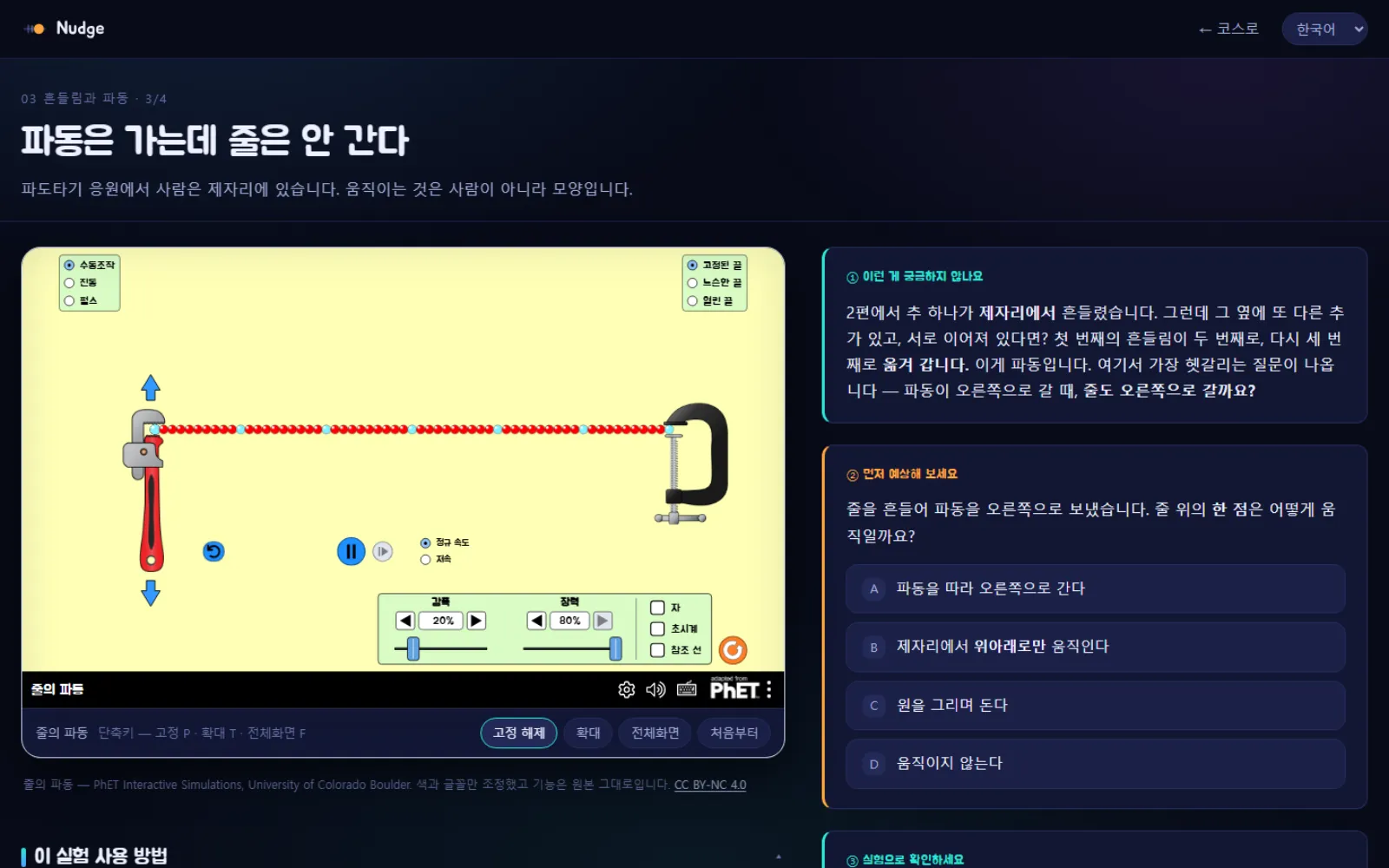
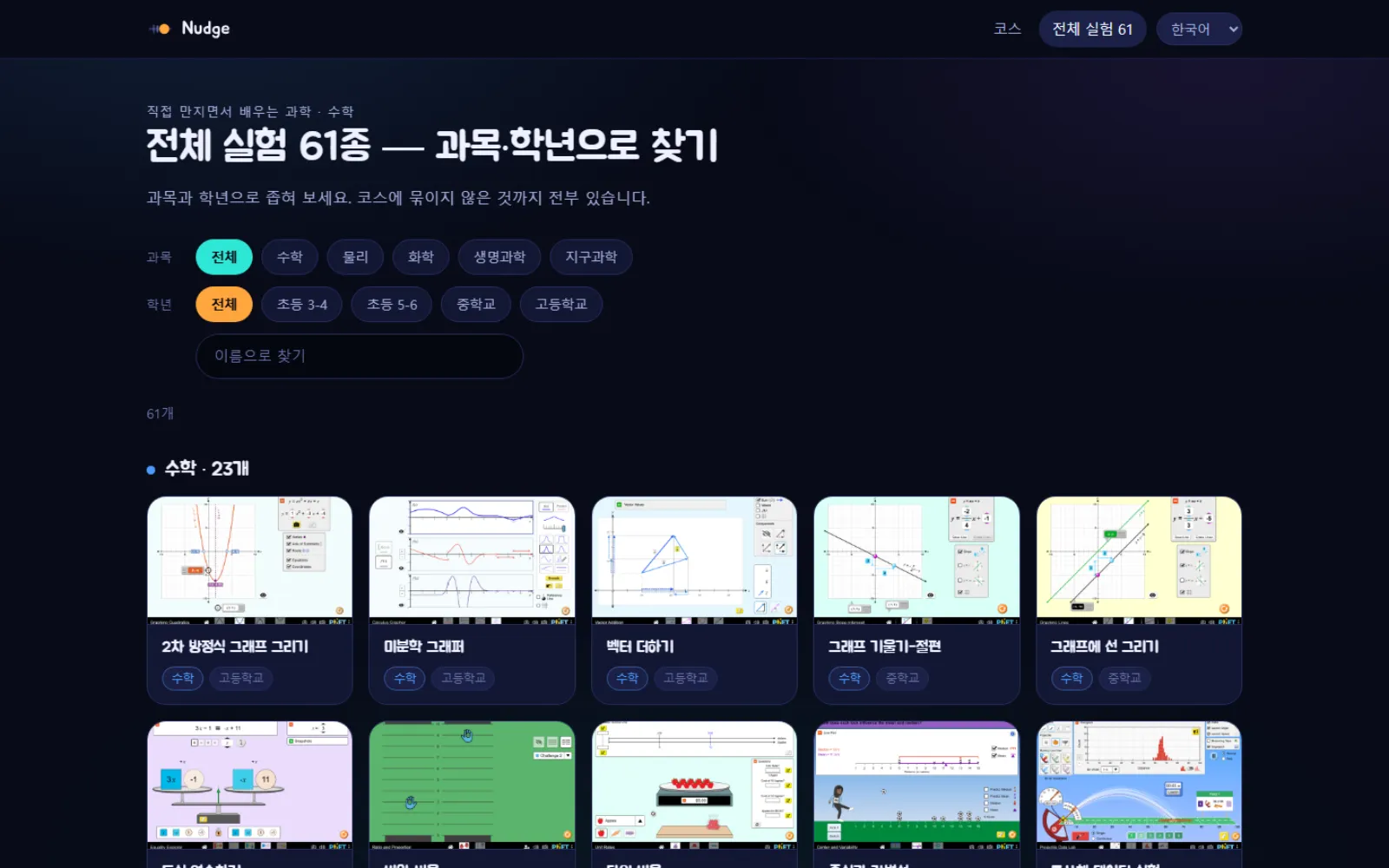
The simulation sits on the left, the reading on the right. Scroll down for the how-to that explains this particular simulation, and browse all 61 by subject and school level.

By subject
All 61 simulations, including the ones no course uses.
Math23 simulations
Fractions and division, ratios, graphs and slope, and number sense — from upper primary through to high-school functions.
Physics22 simulations
Static electricity, projectile motion, springs and waves, light, and quantum. Things you cannot see, drawn on screen.
Chemistry10 simulations
Build an atom piece by piece, measure pH, balance equations, and watch the moment matter changes state.
Earth science4 simulations
Place planets to build a solar system, find the conditions that wreck an orbit, and look at the greenhouse effect.
Biology2 simulations
Run natural selection and inheritance generation by generation, and see why the survivors survive.
Recent updates
Japanese edition released
All 61 lessons and all 61 simulation how-tos are now in Japanese. The site reads in Korean, English, Japanese and Spanish.
How-tos finished for all 61 simulations
Every simulation now has its screens, controls and common pitfalls written out — and all of it was rechecked so that only names actually visible on screen are quoted.
The simulations are made by PhET Interactive Simulations at the University of Colorado Boulder and are provided under CC BY-NC 4.0. Only colours and fonts were adjusted to fit the site; the behaviour is the original.