Game coding with blocks
Game coding with blocks: Arcade Teading
CodingTeading's third step was Arcade Teading.
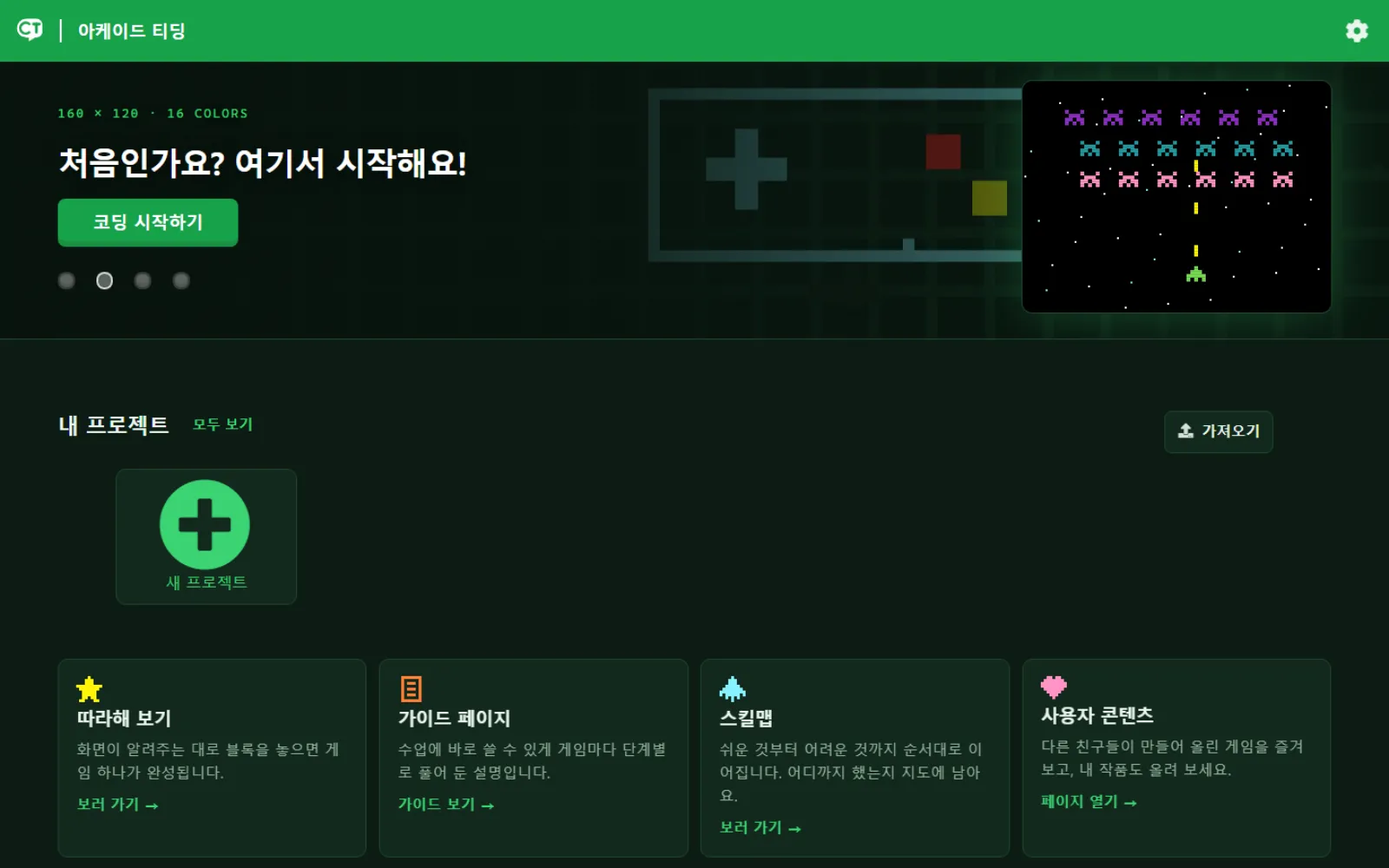
Arcade Teading is a block coding site where you build and modify retro arcade games with blocks and JavaScript in the MakeCode editor, growing real programming skills as you go. The interface was redesigned in 2026.
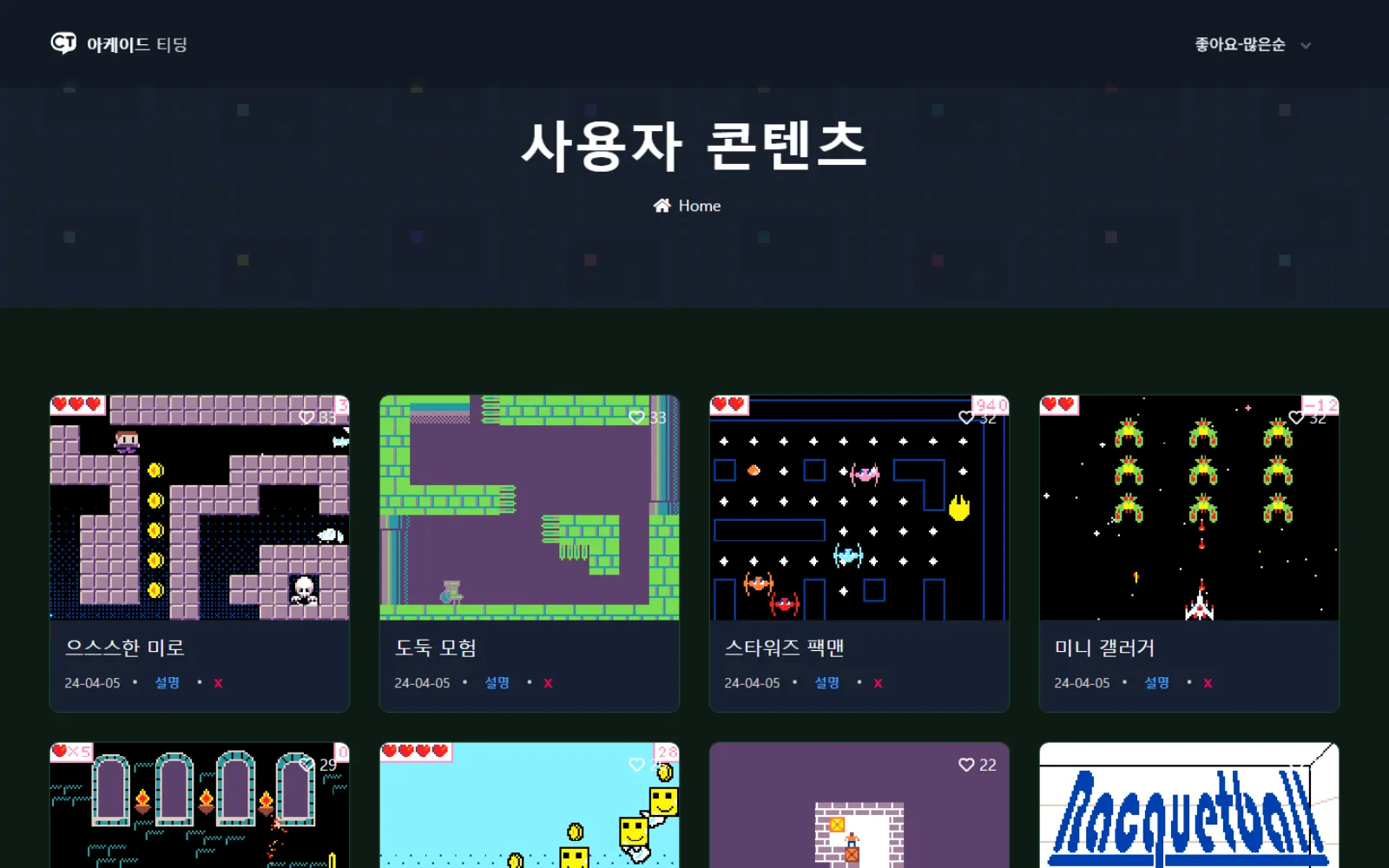
Build projects in the browser and run them on another device. The community page lets you look at what others have made and change it.
What you can do
Start with blocks, end in JavaScript
Build a game the way you would in any block coding app, then switch the same project over to JavaScript. It is the bridge from blocks to text.
Tutorials and skill maps
Step-by-step tutorials and skill maps that take techniques in order, so nobody is left staring at an empty project.
Make it, share it
Upload a finished project and it appears on the community page. You can also open someone else's project and change it.
Play on another device
Send a game built on a PC over to a phone or tablet and play it like a real console.
Recent updates
Community sharing added
Added project uploading and a community page so that finished projects can be shared.
Remote console added
Added a way to build a project and then run it remotely on a phone or another device.
The home and editor screens
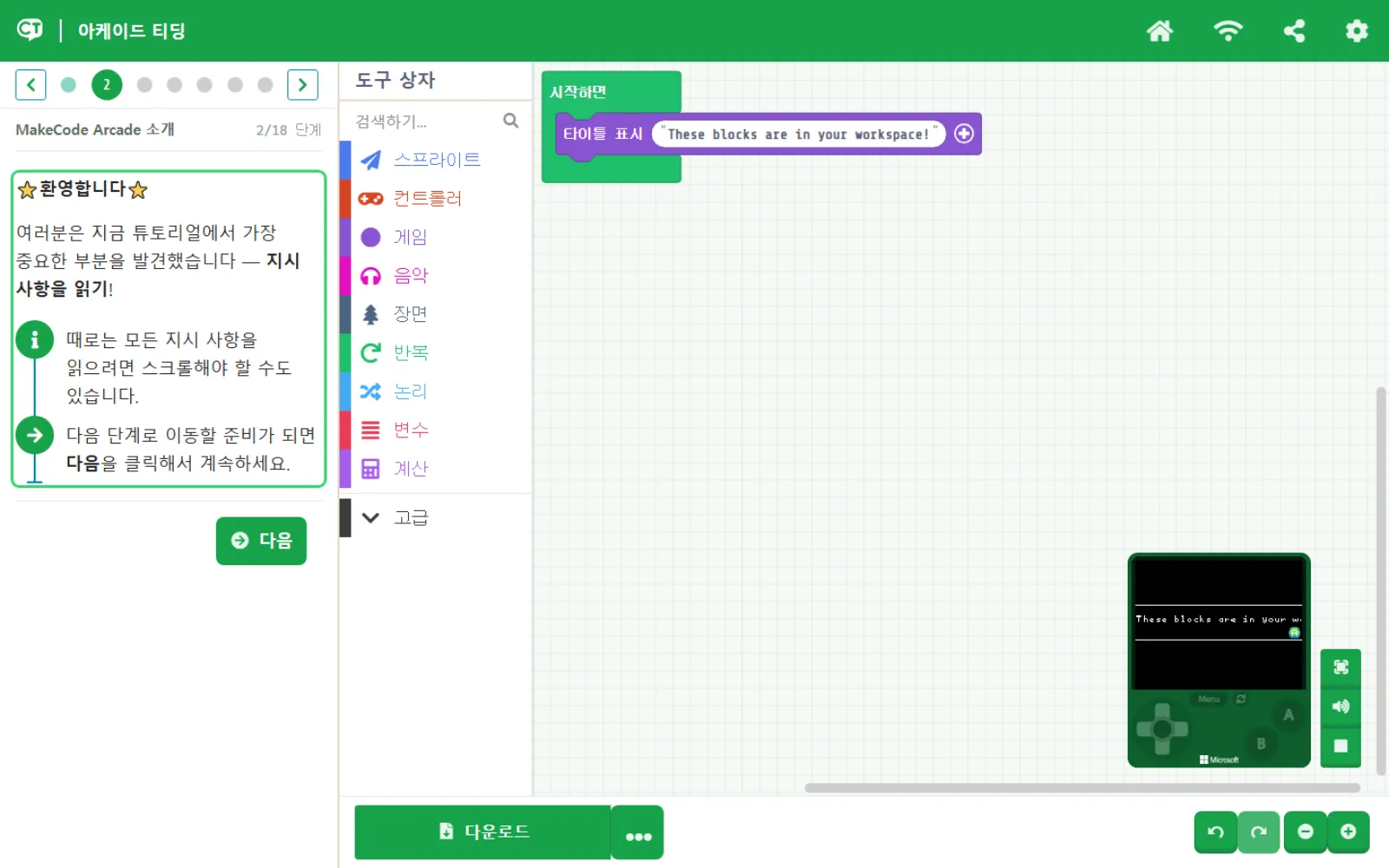
The home screen opens into four doors: follow-along tutorials, guides, skill maps and the community. The editor puts step-by-step instructions on the left, the block-joining area in the middle, and a running console on the right.
Guides and skill maps
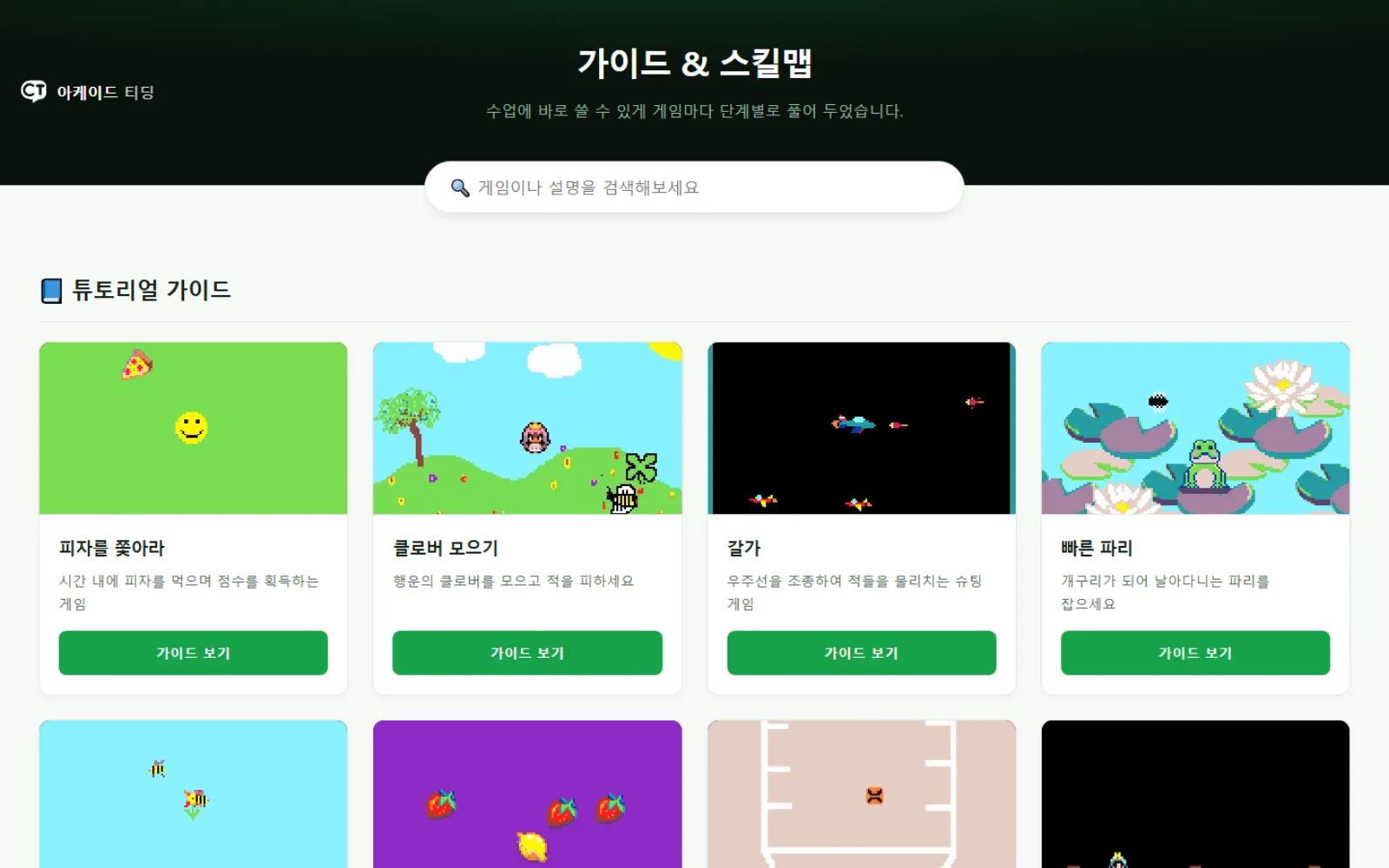
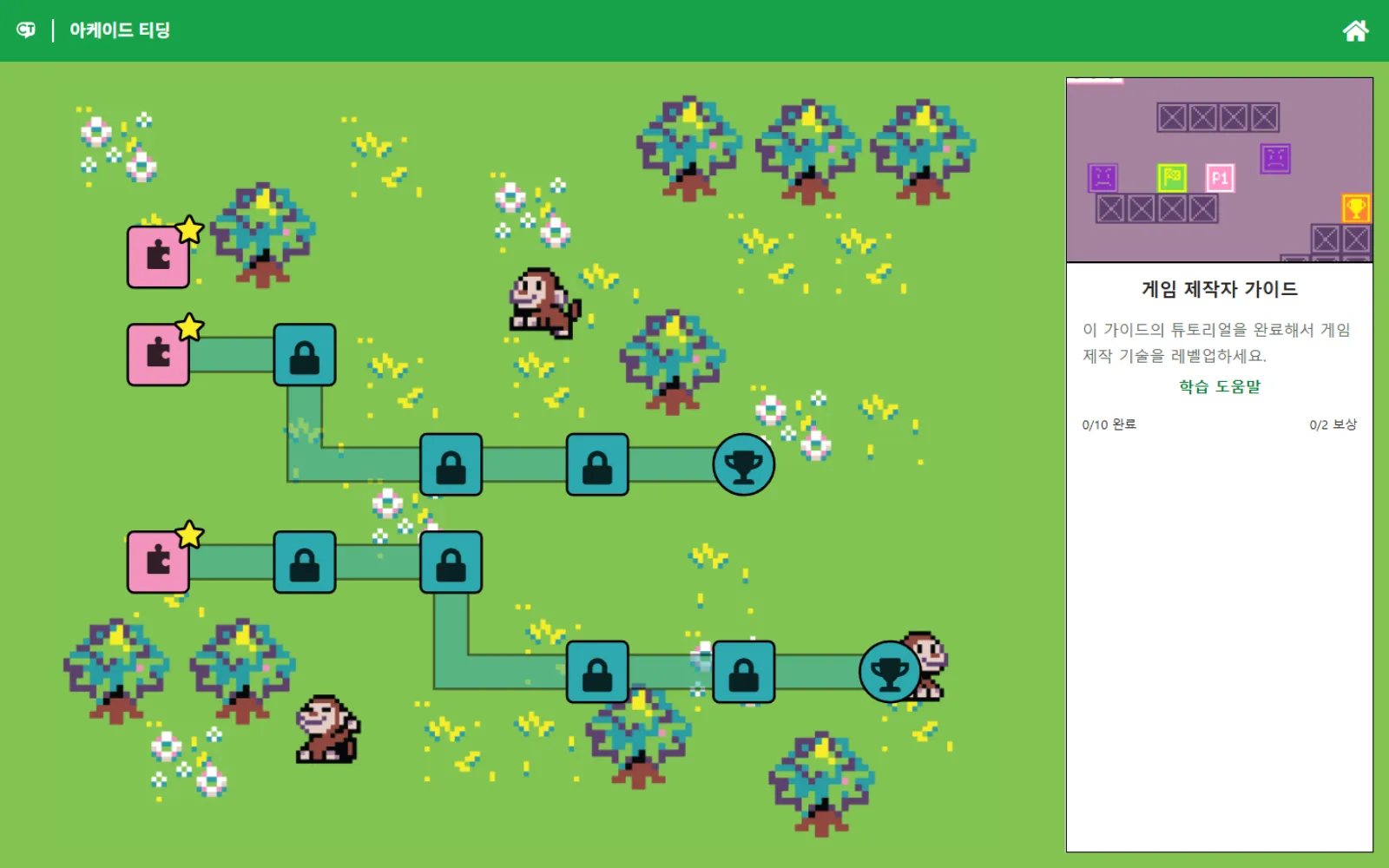
The guides break each game down step by step for classroom use; the skill map lays techniques along a path from easy to hard and keeps a record of how far you got.
Community
Play what other people have uploaded, and open anything you like to change it. You can upload your own work too.
Scratch for Children is based on ScratchJr by the MIT Media Lab, Arcade Teading on Microsoft MakeCode Arcade, and Nudge on PhET Interactive Simulations from the University of Colorado Boulder. Learning samples were built using content from BootUp.