Prompts to copy and useNEW
Prompts to copy and use: Prompt Workshop
Copy one straight into use — and learn why it works.
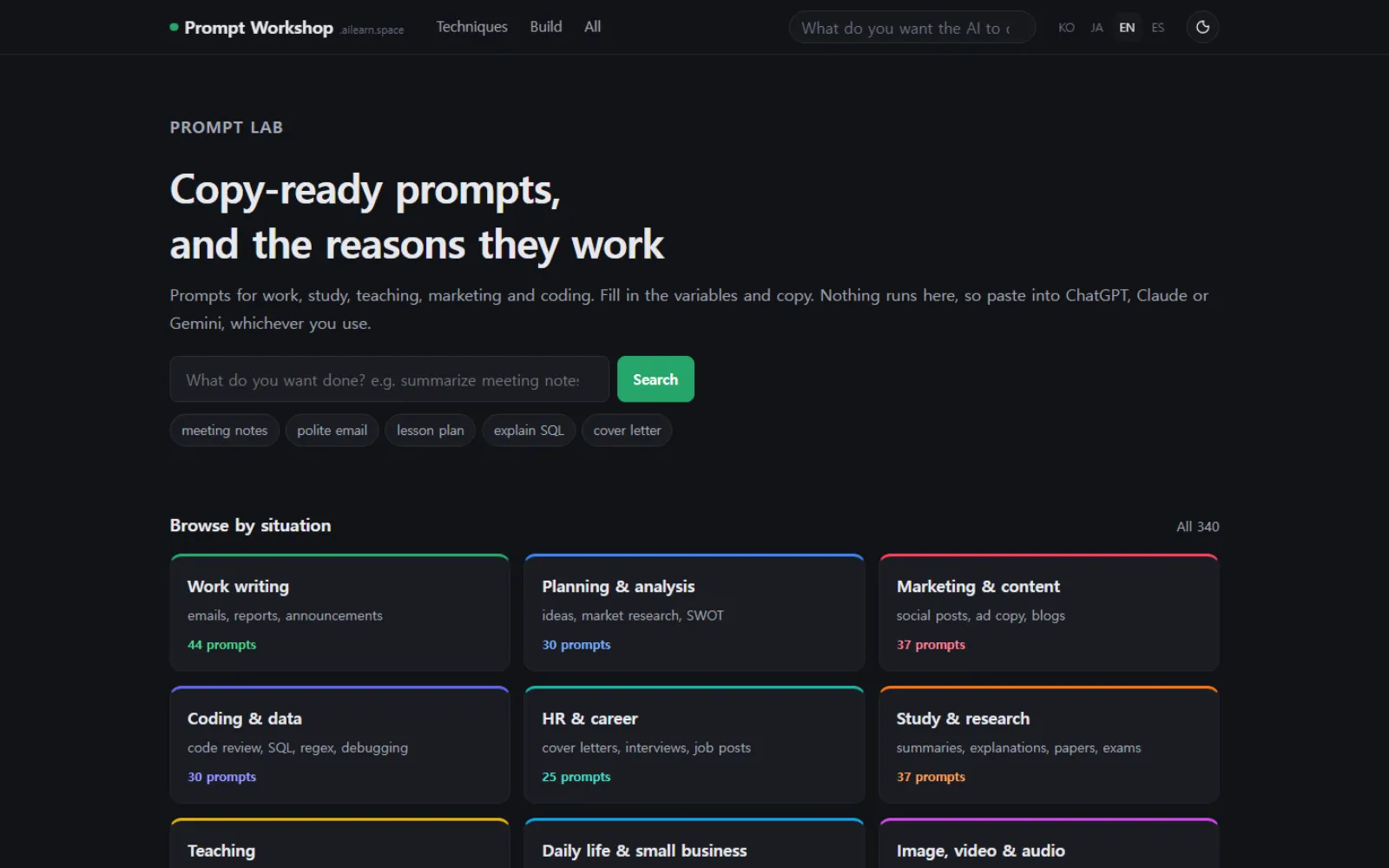
340 prompts for work, study, teaching, marketing and development, sorted by the situation you are in. Fill the blanks, copy, and paste into whatever you already use — ChatGPT, Claude, Gemini.
Getting a good prompt and becoming good at prompting are two different things. So every entry puts "why it is written this way" and a bad example right under the prompt. After a few, you start editing other people’s; after that, you write your own.
Worth knowing before you start
You only fill in the blanks
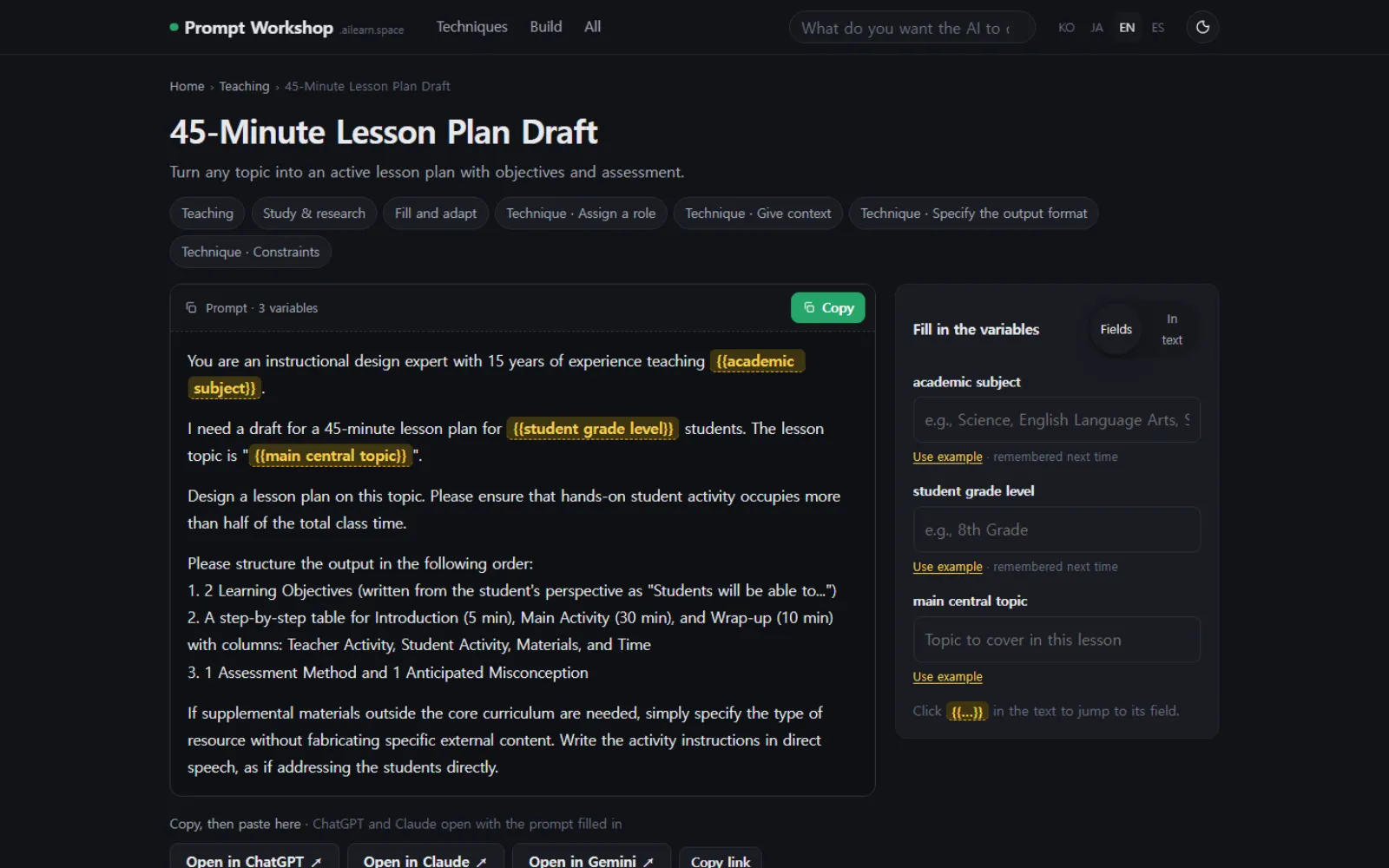
The parts that change — subject, grade, topic — are marked. Type a value in the panel beside it and the text updates in place, ready to copy.
No AI runs here
No sign-up, no API key. You copy and paste into what you already use, so it works with whichever AI that is.
The reasoning sits on the same page
Each prompt is broken into five pieces: role, context, task, output format, constraints. A bad example sits alongside so you can see what made the difference.
What is in it
- 340
- prompts ready to use
- 10
- situations, from work to teaching
- 12
- techniques worth learning
- 4
- Korean · English · Japanese · Spanish
How it was built
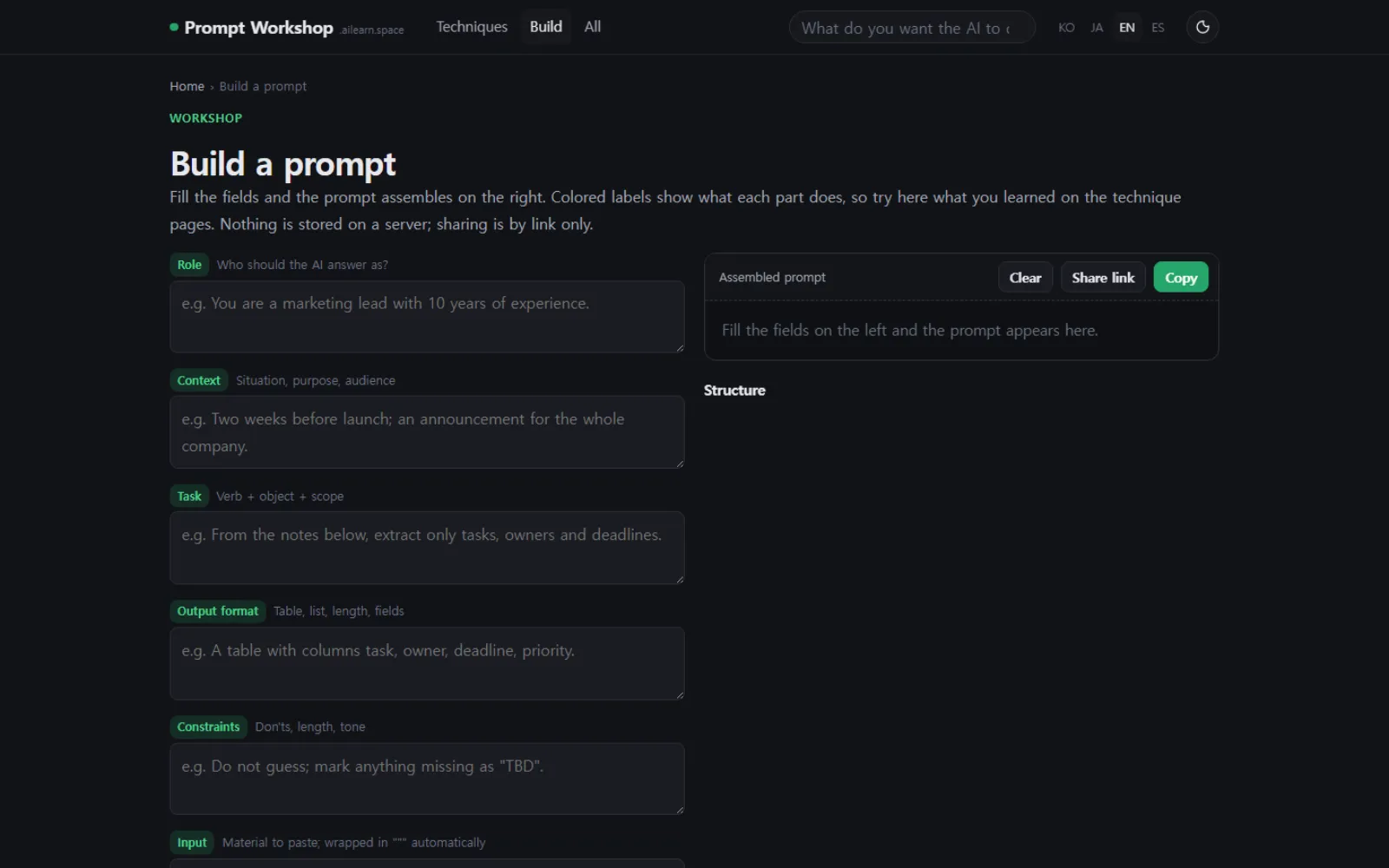
You can assemble one yourself
Fill the role, context, task, output format and constraint boxes and the prompt builds itself on the right. What you read on a technique page, you press here.
It opens where you already work
Instead of copying, press "open in ChatGPT" and that service opens with the prompt already loaded. One step fewer.
Bad examples are included on purpose
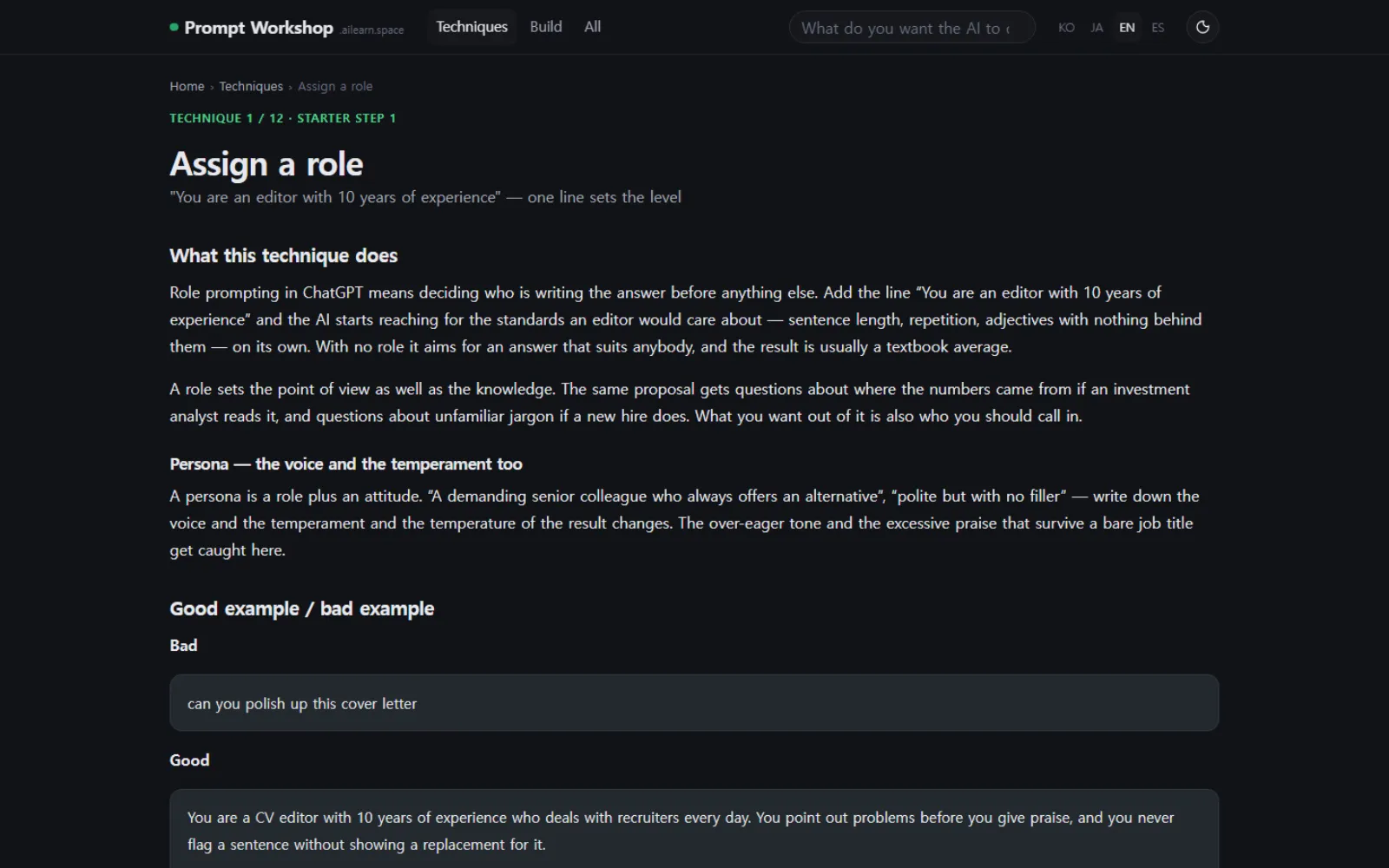
Good examples alone do not show you why they are good. The same job asked carelessly sits next to it, so you can see what falls apart when you leave something out.
Cards to download for class
Every prompt comes with a square card image. It was made to drop straight into teaching material or a handout.
What one prompt looks like
The prompt and its variable panel sit at the top, "why it is written this way" below. The copy button and the open-in buttons are side by side.
Building and learning the techniques
The builder assembles a prompt from five boxes. The twelve technique pages take them one at a time — assigning a role, giving context, and so on.
Who it is for
- Teachers who want a first draft of a lesson plan or assessment item out of AI, quickly
- Office workers spending too much of the day on emails and reports
- Anyone who asked an AI for something and did not get what they wanted