AI you press, not read
AI you press, not read: AI Teading Kids
What is AI? Find out by pressing things.
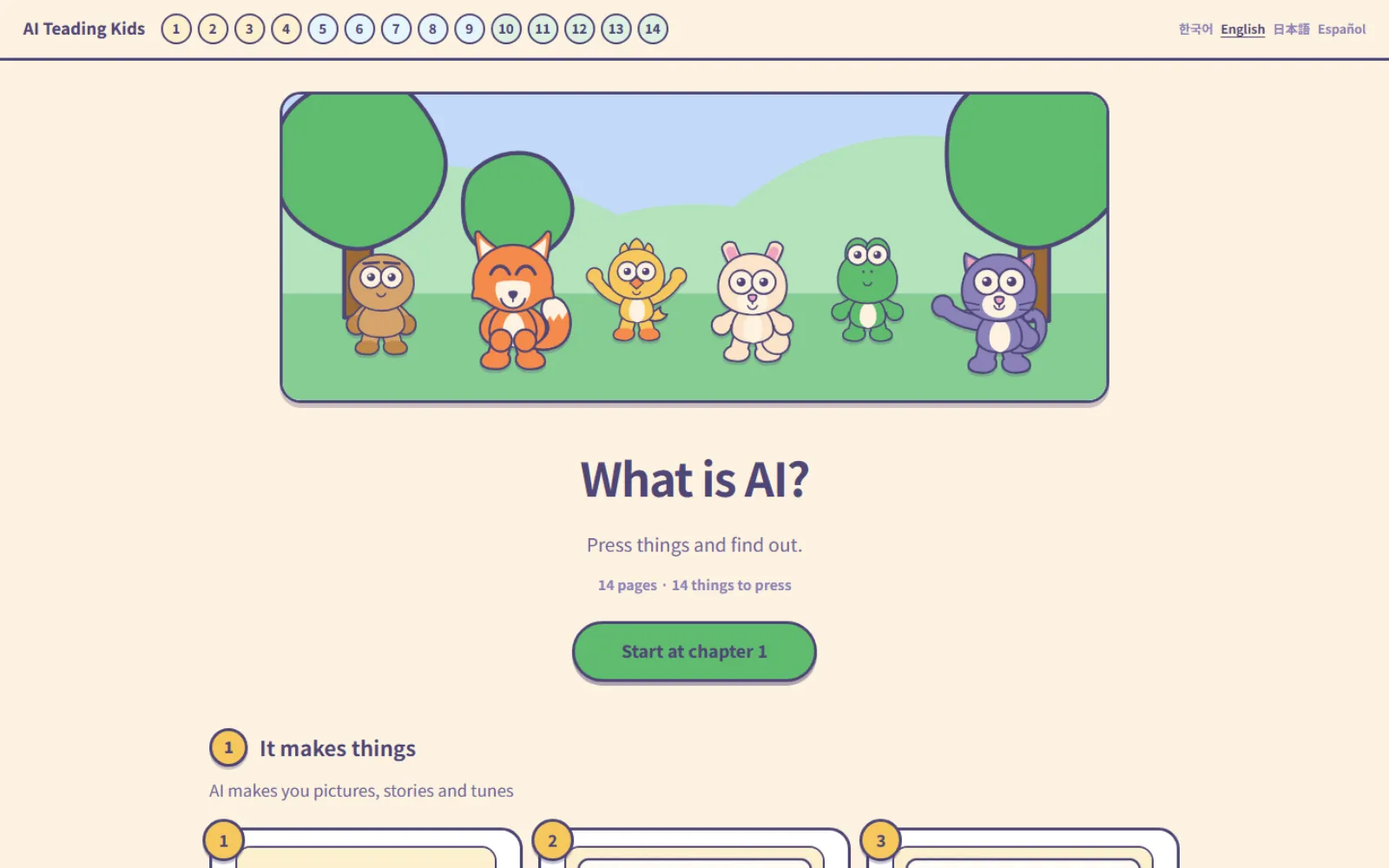
A place to learn about AI, made for children aged nine and ten. One chapter is one page, and every page carries a lab you press. You read a little, try it right there, and read on. Nothing sends you somewhere else.
Generative AI is the spine. What the machine makes comes first; the explanation sits lower down, as the answer to “what just happened there?” The last five chapters are the destination — what to watch out for, and how to use it.
Nothing put in a child's way
No keyboard needed
Tap, drag, slide — that is all. There is nowhere to type, so a child who cannot type yet still gets to the end.
No internet needed
Every lab runs on the device itself. Switch the internet off, open it, and it still works.
Results inside a second
There is no waiting screen. Press and it changes — because past a second, a child is already looking somewhere else.
What is inside
- 14 pages
- One chapter, one page
- 14
- Labs you press
- 5–10 min
- Time a page takes
- 4
- Korean · English · Japanese · Spanish
How it was built
The first screen is already a result
It never starts blank. Open a page and the AI has already made something; the child starts by changing that.
The AI was given no face
Characters are learning material, not decoration. But the AI itself is never drawn as a character — we would rather a child did not treat the tool as a person.
Giving away the answer is fine
Every lab has a “show me” button, deliberately. A child stuck for too long is not learning, just leaving. The adult need not know the answer either — pressing it together works better.
There is a separate page for adults
Writing for children and writing for adults are kept apart. What to prepare, where children get stuck, and why it was built this way are all collected on the grown-ups' page.
What a page looks like
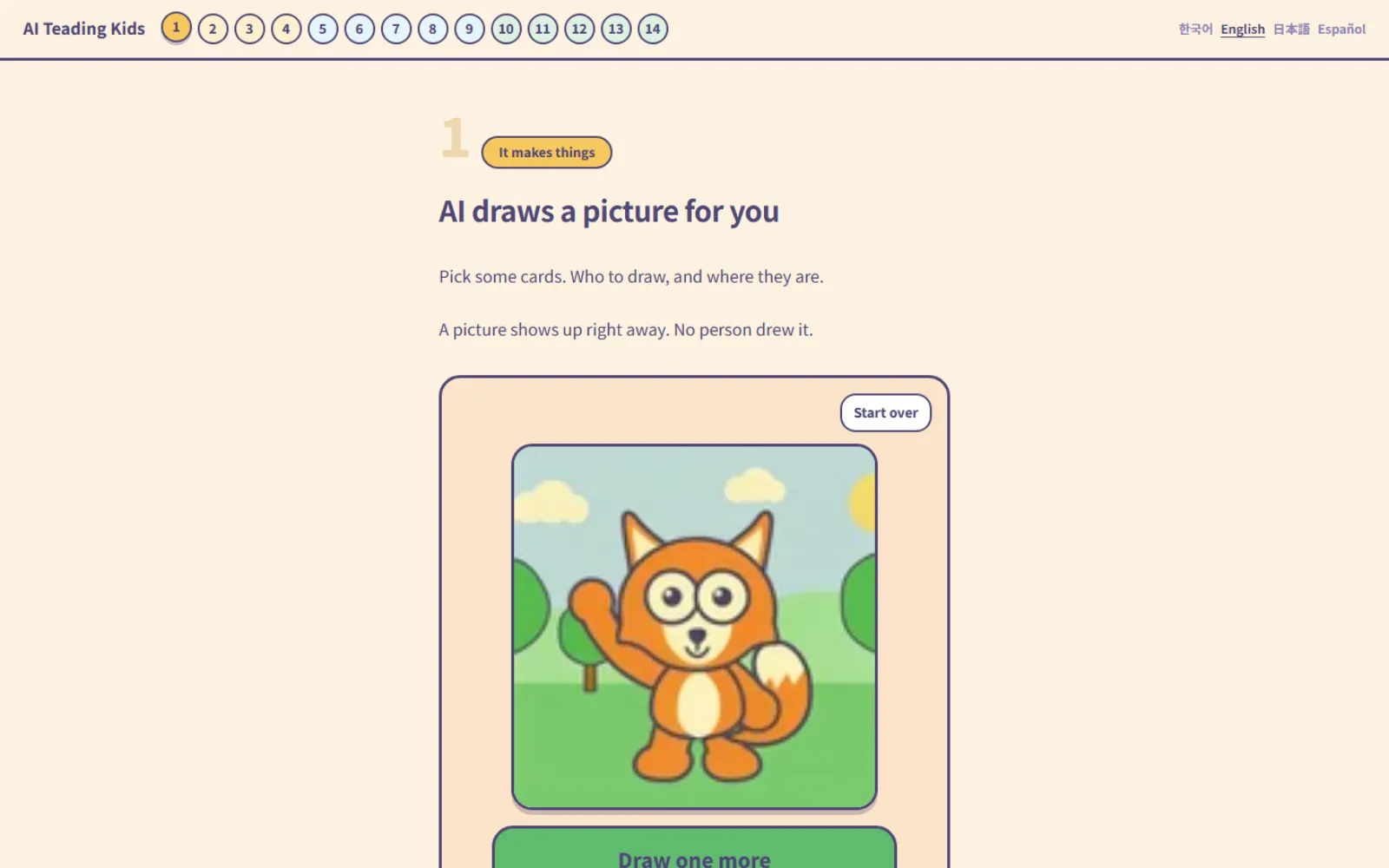
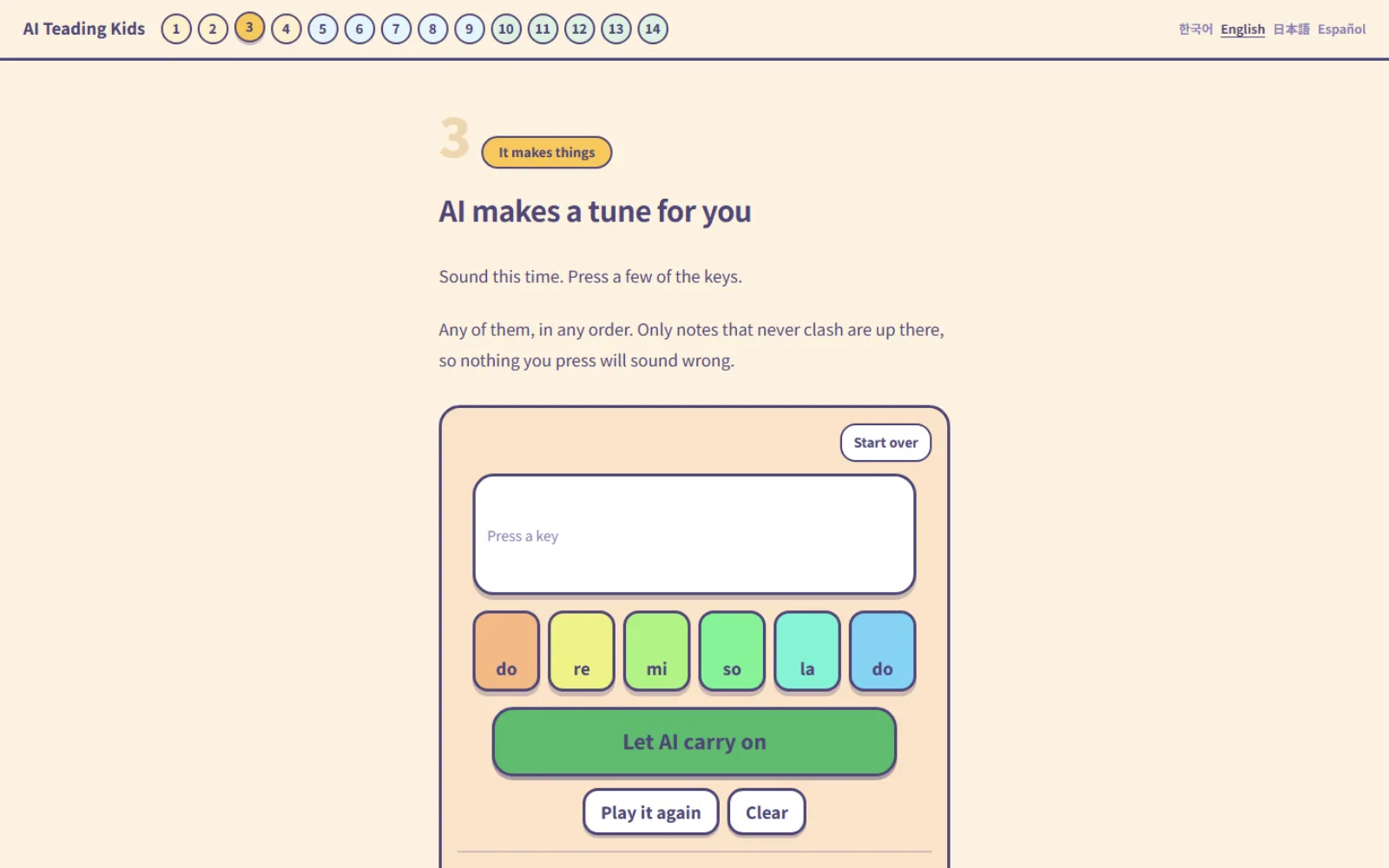
The story and the lab sit on the same page. Pick a card and a picture appears; press the keys and the AI carries the tune on.
For adults and teachers
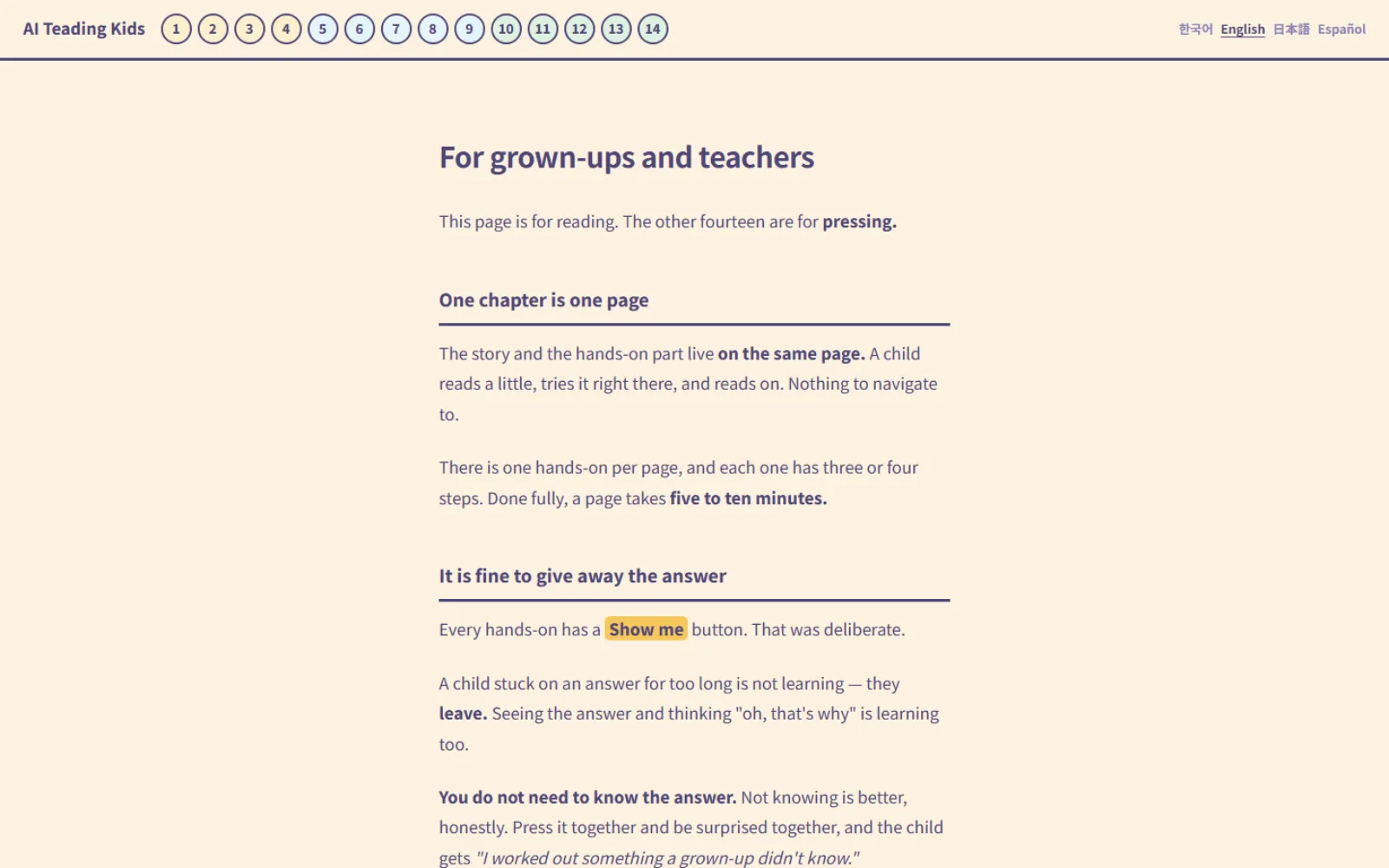
A side page covering what you need, why giving away answers is fine, and how long a page takes.
Who it is for
- Parents whose child has started using AI, unsure what to explain first
- Teachers looking for material for nine- and ten-year-olds — no install, no accounts, straight to work in a computer room
- A child who heard that “AI draws pictures” and wants to try it